
How to Extract a Color Palette from Any Image
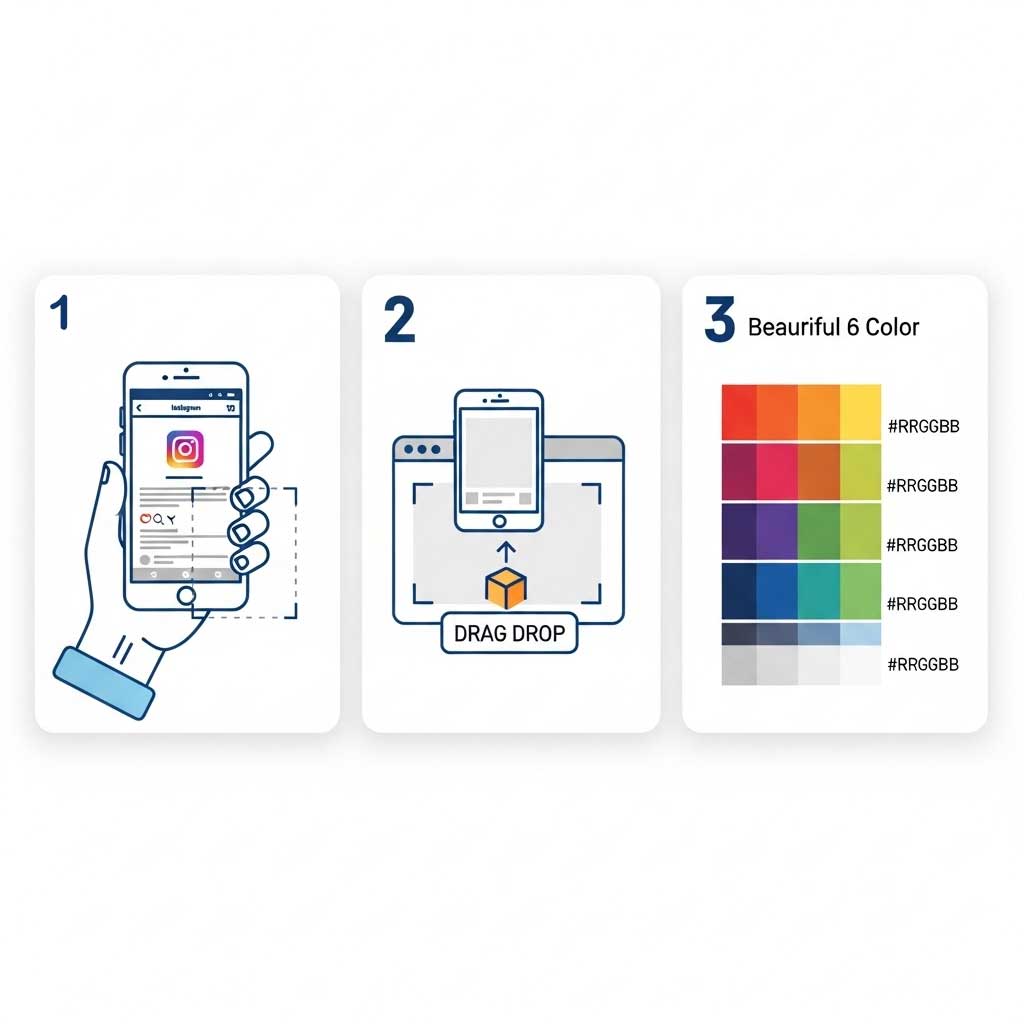
Extracting a clean, usable color scheme from your photos takes less than ten seconds with our tool. You upload the file, and the algorithm automatically identifies the dominant, secondary, and accent colors to form a 6-color harmonized palette.
Why Pulling Colors from an Image Is More Useful Than Picking Them Manually
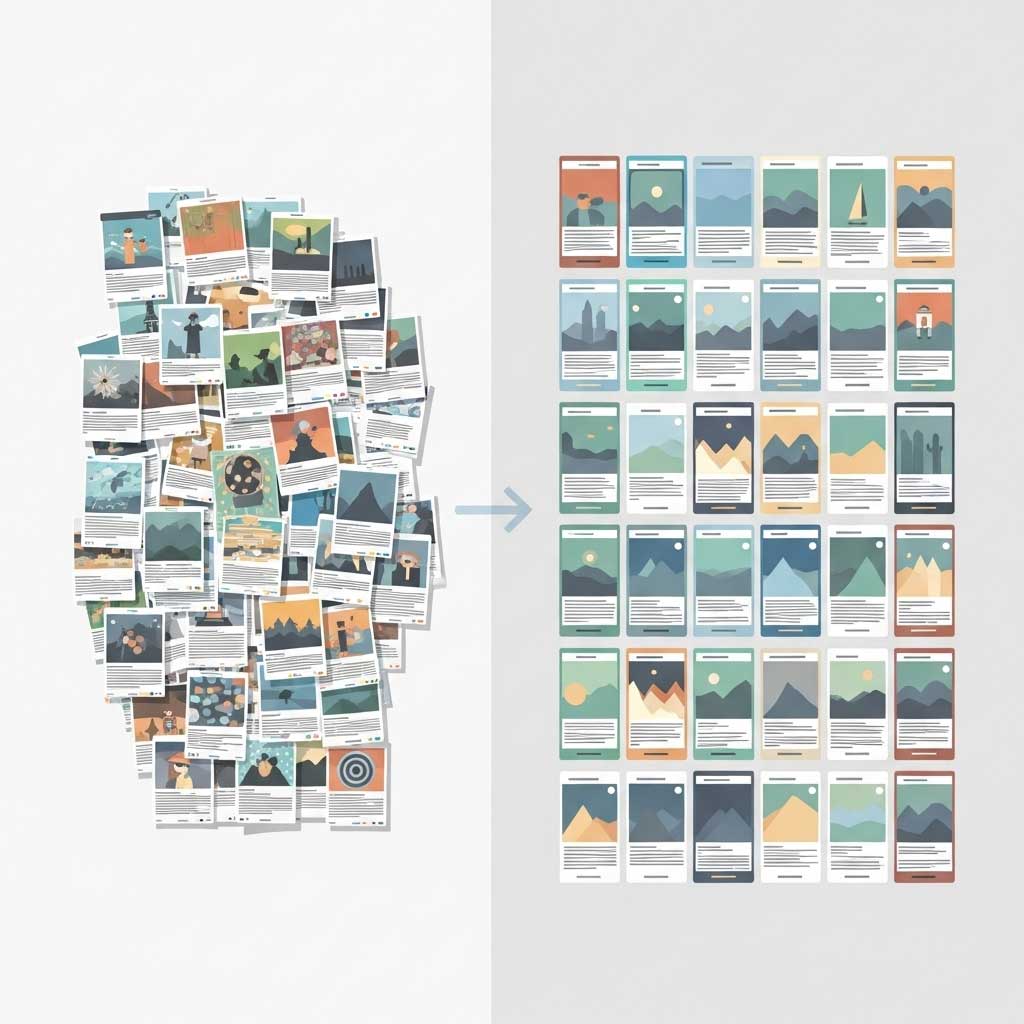
When you manually pick colors one by one, they often look fine individually but do not work together as a set. Extracting a palette from a single image solves that problem because all the colors already exist in visual harmony within that photo.
This approach is especially useful when you:
- want to match your Instagram feed to a specific aesthetic
- need to build brand guidelines from an existing photo or logo
- are redesigning a website and want colors pulled from your hero image
- found an image you love on Pinterest and want to know exactly what colors it uses
- are creating content for a client and need to match their existing visual identity
A good color palette from photo extraction gives you a starting point that already works, instead of guessing.
Instagram Color Picker: Find Your Feed’s Exact Colors

One of the most common reasons people search for an Instagram color picker is to figure out the exact color palette of a profile they admire. Maybe it is a competitor, an influencer, or your own feed that you want to analyze.
Here is how to do it:
- Open Instagram and go to the profile you want to analyze.
- Take a screenshot of the feed grid (the 3-column post layout works best).
- Upload that screenshot to the tool on this page.
You will get the dominant colors of that entire feed as a usable palette. This is helpful for understanding what makes a profile feel cohesive, or for building your own feed to match a similar aesthetic. If you have been asking what is my instagram color palette, this is the fastest free way to find out.
Works for Other Platforms Too
The same method works for TikTok profiles, Pinterest boards, YouTube thumbnails, or any visual content. Take a screenshot, upload it, and the tool does the rest.
How This Tool Compares to Other Options
| Feature | StoryDL Extractor | Adobe Color | Coolors |
|---|---|---|---|
| Extract palette from image | Yes, free | Yes, free | Premium only |
| HEX and RGB codes | Yes | Yes | Yes |
| Downloadable swatch file | Yes (ASE + CSS) | Yes (ASE) | Premium only |
| No sign-up required | Yes | Requires Account | Free tier available |
Adobe Color is a powerful tool, but it is built for professional designers who already understand color theory. Coolors is great for generating random palettes, but extracting colors from your own image requires a paid plan. This tool sits in between: simple enough for anyone, detailed enough to be useful.
Practical Uses for Your Extracted Color Palette
Once you have your palette, here is what you can actually do with it:
Social media branding
Use the colors consistently across your Instagram posts, Stories, Reels covers, and highlight icons. This builds recognition over time. People start associating those colors with your content before they even read your name. Need custom highlight covers? Try the free Highlight Cover Maker and apply your extracted colors directly.
Website and app design
Paste the CSS variables into your stylesheet. Use the HEX codes in your site builder. Having a defined palette prevents the common problem of picking slightly different shades every time you create a new page.
Presentation and pitch decks
Apply the palette to your slides for a consistent, professional look. This works especially well when the colors are pulled from your brand’s main product photo or logo.
Print materials & Content creation
Business cards, packaging, signage. Knowing your exact color codes ensures consistency between your digital and physical branding. Want to create memes that match your brand colors? Use the Meme Generator with your extracted palette for on-brand humor.
Quick Guide: The 60-30-10 Rule for Your Palette
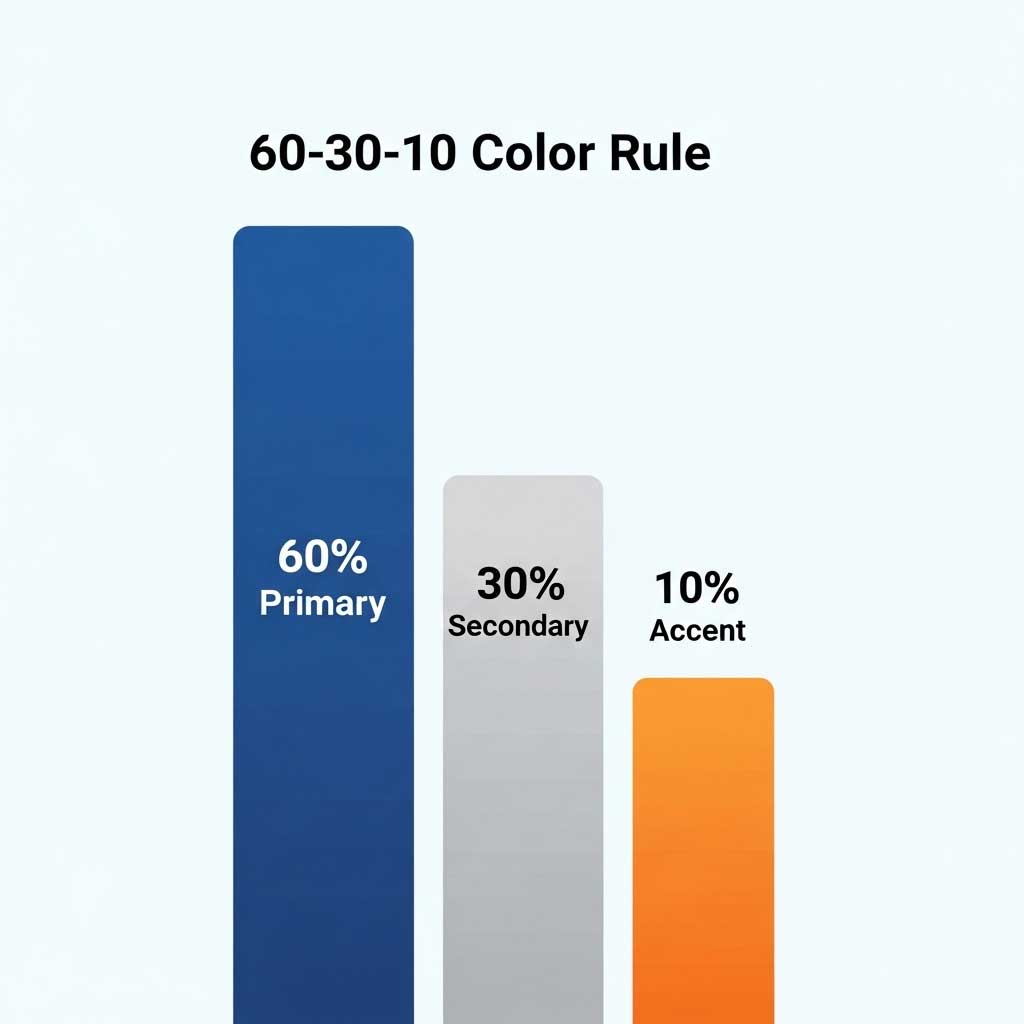
If your extracted palette has six colors and you are not sure how to use them all, this simple rule helps:
- 60% of your design uses one dominant color (usually the lightest or most neutral tone from your palette)
- 30% goes to a supporting color that adds depth
- 10% is reserved for an accent color that draws attention to important elements like buttons, links, or call-to-action text
You do not need to use all six colors in every design. Pick three that follow this ratio and keep the rest as alternatives for variety.
When to Re-Extract Your Colors

Your brand palette does not need to change often, but there are moments when running a new extraction makes sense:
- You have updated your logo or visual identity
- You are launching a seasonal campaign with a different mood
- Your Instagram feed has evolved and you want to document the current aesthetic
- You are starting a new project or sub-brand
- A competitor changed their visual direction and you want to differentiate
Your Colors Are Already in Your Content
Most people already have a visual identity forming in their content. They just have not defined it yet. Extracting colors from photos you have already posted, products you have already shot, or feeds you already admire turns that undefined feeling into a concrete, usable palette.
Upload an image above and see what colors your content is really built on. Looking for more tools? Try the AI Instagram Bio Generator to write a bio that matches your brand personality.