


Yes — hashtags work on Instagram Stories. When you add a hashtag to your story, it can appear on that hashtag’s public page, making your content discoverable to users who don’t follow you. This guide covers how hashtags work in Stories specifically, how many to use, when to hide them, and what to do when they stop working.

Hashtags in Stories vs. Posts: Key Differences
Hashtags behave differently in Stories than they do in feed posts. Understanding this distinction helps you set realistic expectations:
| Feature | Hashtags in Stories | Hashtags in Feed Posts |
|---|---|---|
| Maximum allowed | 10 hashtags | 30 hashtags |
| Recommended amount | 3–5 | 5–15 |
| Appears in hashtag search? | Yes — in story ring at top of hashtag page | Yes — in hashtag feed grid |
| Lifespan of discoverability | 24 hours (story duration) | Ongoing (post stays indexed) |
| Can be hidden? | Yes — still functional when hidden | No hiding option |
| Clickable by viewers? | Yes — tapping opens hashtag page | Yes — tapping opens hashtag page |
| Tracked in Insights? | Yes — “Impressions from Hashtags” | Yes — in post Insights |
How Hashtags Improve Story Visibility
When you add a hashtag to a Story, three things can happen:
| What Happens | How It Helps You | Requirement |
|---|---|---|
| Your story appears in the hashtag’s story ring | Users browsing that hashtag page can see your story at the top | Public account + relevant, non-banned hashtag |
| Algorithm categorizes your content | Instagram shows your story to users interested in that topic via Explore | Relevant hashtag that matches your content |
| Non-followers discover your profile | Potential new followers who found you through the hashtag | Public account + quality story content |
Hashtag Sticker vs. Text Hashtag: Which Should You Use?
Instagram offers two ways to add hashtags to Stories. They’re not identical:
| Method | How to Add | Appearance | Functionality | Best For |
|---|---|---|---|---|
| Hashtag Sticker | Tap sticker icon → search “hashtag” → type tag | Clean pill-shaped label with one hashtag | Clickable, eligible for hashtag story ring | Featured, visible hashtag you want viewers to tap |
| Text Hashtag | Tap “Aa” text tool → type #hashtag | Regular text in your chosen font and color | Clickable, eligible for hashtag story ring | Multiple hashtags; can be hidden under stickers or shrunk |
Which works better? Both methods are equally functional for discoverability. The hashtag sticker looks cleaner and is better for one featured hashtag. Text hashtags are more flexible when you want to include multiple tags or hide them.
How to Add Hashtags to Instagram Stories (Step-by-Step)
- Open Instagram and tap the camera icon or swipe right to create a new story
- Upload a photo or video, or capture one in the app
- To use the hashtag sticker: Tap the sticker icon → search for “hashtag” → type your tag
- To use text hashtags: Tap the “Aa” text tool → type #yourtag → choose font and color
- Add up to 10 hashtags (3–5 recommended for best results)
- Resize, reposition, or hide hashtags as needed
- Share your story and check Insights afterward for hashtag impressions
How Many Hashtags Should You Use in an Instagram Story?
| Number of Hashtags | Result | Recommendation |
|---|---|---|
| 1–2 | Minimal discoverability boost; clean look | Good for branded or location hashtags |
| 3–5 | Best balance of reach and visual quality | ✅ Recommended for most stories |
| 6–10 | Maximum reach potential; may look cluttered | Hide extra hashtags under stickers |
| More than 10 | Only first 10 recognized; rest ignored | ❌ No benefit — Instagram’s hard limit is 10 |

Should You Hide Hashtags in Instagram Stories?
Hiding hashtags is a common technique—and it works. Hidden hashtags function identically to visible ones for discoverability purposes. Here’s how to do it and when it makes sense:
| Hiding Method | How to Do It | Does It Still Work? |
|---|---|---|
| Shrink to tiny size | Pinch hashtag text until it’s barely visible | ✅ Yes |
| Color match to background | Change text color to match your story’s background | ✅ Yes |
| Cover with sticker or GIF | Place an emoji, GIF, or location sticker over the hashtag text | ✅ Yes |
| Push to edge of frame | Drag hashtags to the very edge where they’ll be partially cut off | ⚠️ Partially — may reduce effectiveness |
Important caveat: Instagram’s guidelines discourage using hashtags in a deceptive or manipulative way. Using hidden hashtags that are completely unrelated to your story’s content to game discovery can result in reduced reach or flagging. Hidden hashtags should still be relevant—just visually tidier.

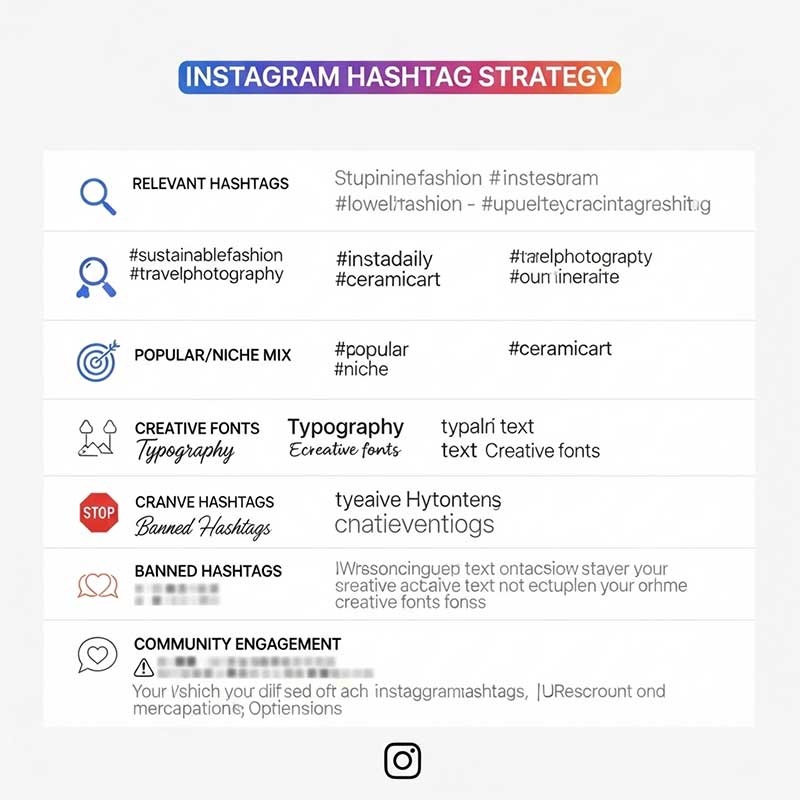
Hashtag Strategy for Instagram Stories
| Strategy | How It Works | Best For |
|---|---|---|
| Relevant hashtags | Match every hashtag directly to your story’s topic | Algorithm categorization + targeted reach |
| Mix broad + niche | 1 broad (#Travel) + 2–3 niche (#SoloTravelAsia) | Wider reach + engaged audience |
| Location hashtags | #NYCStories, #LondonLife, #SydneyEats | Local discovery and geo-targeted audience |
| Branded hashtag | Your own brand or campaign hashtag | Community building and brand consistency |
| Trend/challenge hashtags | Join active trends relevant to your niche | Rapid reach during peak trend window |
| Rotate hashtags per story | Don’t use identical sets every story | Avoiding algorithm spam penalties |
How to Find the Best Hashtags for Your Instagram Stories
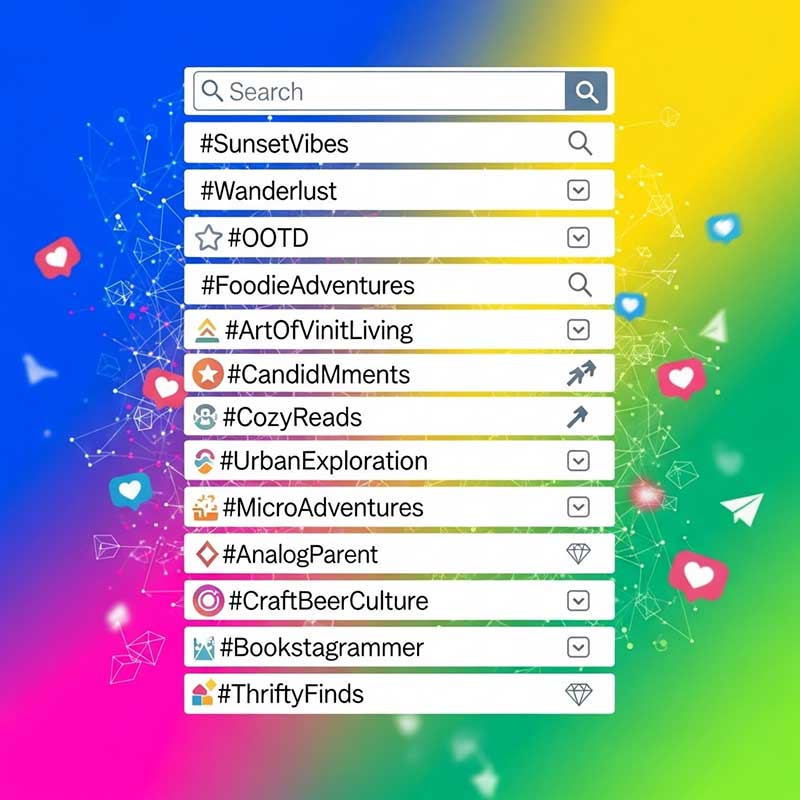
- Search Instagram directly: Type a keyword in the search bar and tap “Tags” — Instagram shows you related hashtags with post counts
- Check competitors and top accounts: Look at which hashtags are working for the most successful accounts in your niche
- Use the hashtag sticker autocomplete: When you type in the hashtag sticker, Instagram suggests related tags with usage data
- Check for banned hashtags: Search a hashtag before using it — if you see “Posts hidden for this hashtag,” don’t use it
- Track and rotate: After each story, note which hashtags drove the most Insights impressions and repeat only the top performers

Popular Hashtags for Instagram Stories in 2025
| Category | Example Hashtags |
|---|---|
| General story tags | #InstaStory #StoryTime #LifeInStories #MyDay #BehindTheScenes |
| Lifestyle & fashion | #OOTD #DailyLook #OutfitOfTheDay #LifestyleCreator |
| Travel | #TravelGoals #SoloTravel #TravelDiary #WanderlustVibes |
| Food | #Foodie #FoodStory #FoodPhotography #WhatIAte |
| Fitness & wellness | #FitnessJourney #WorkoutStory #SelfCareSunday #GymLife |
| Business & personal brand | #Entrepreneur #CreatorLife #SmallBusiness #BehindTheBrand |
| Content & trends | #ExplorePage #ViralStory #TrendingNow #2025Trends |
| Branded (your own) | #YourBrandName (always include one) |
Common Hashtag Mistakes to Avoid on Instagram Stories
| ❌ Mistake | Why It Hurts | ✅ What to Do Instead |
|---|---|---|
| Using banned hashtags | Your story won’t appear on that hashtag’s page; may limit overall reach | Search each new hashtag before using — avoid any that say “Posts hidden” |
| Using irrelevant hashtags | Confuses the algorithm; attracts wrong audience; low engagement signals | Only use hashtags directly related to your story’s content |
| Using more than 10 hashtags | Instagram only recognizes the first 10 — the rest are wasted characters | Cap at 10; aim for 3–5 highly relevant ones |
| Copy-pasting identical hashtags every story | Instagram may flag repetitive hashtag use as spammy behavior, reducing reach | Rotate your hashtag sets; customize for each story’s content |
| Never checking Insights | You don’t know which hashtags are actually driving views | Check “Impressions from Hashtags” in Insights after every story |
| Not updating hashtag list | Trends shift; last month’s popular hashtag may be stale or banned now | Review and refresh your hashtag strategy at least monthly |
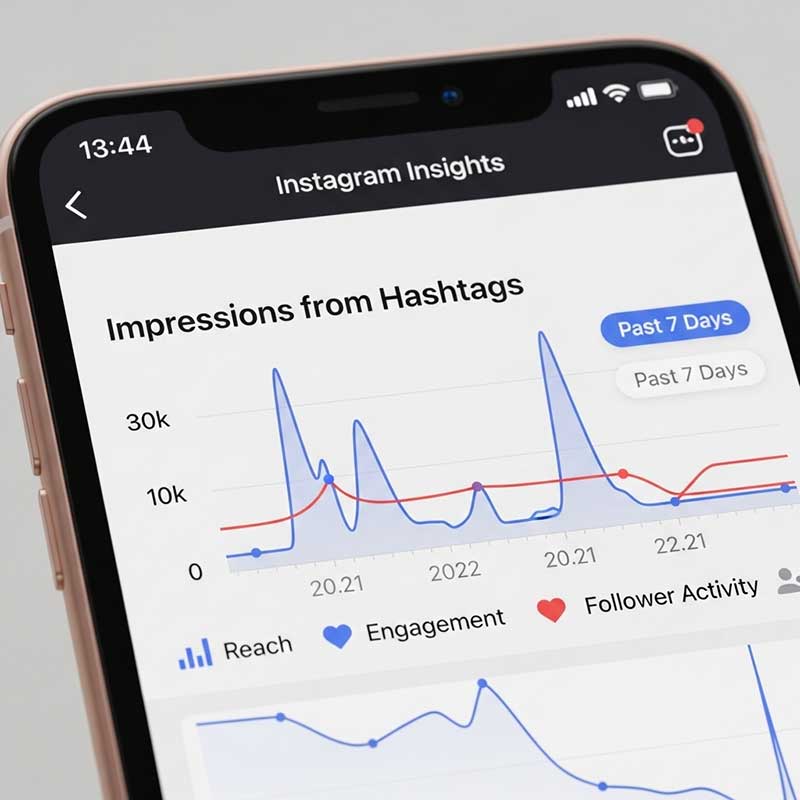
Tracking Hashtag Performance in Instagram Insights
To see which hashtags are actually driving views on your stories:
- Open your profile and go to your archived stories or view an active story
- Swipe up on the story to open Insights
- Look for “Impressions from Hashtags” in the breakdown
- Compare this number across different stories to see which hashtag combinations performed best
- Document your top-performing hashtags and reuse those combinations (with rotation)
Note: Hashtag Insights are only available for business and creator accounts. If you’re on a personal account, switch to a professional account (free) to access this data.
Why Are My Hashtags Not Working on Instagram Stories?
If you’re using hashtags but not seeing any “Impressions from Hashtags” in your Insights, here are the most common causes and fixes:
| Reason | How to Diagnose | Fix |
|---|---|---|
| Private account | Your account is set to private | Switch to public — private accounts cannot appear in hashtag pages |
| Banned hashtag | Search the hashtag — see “Posts hidden” message | Remove the banned hashtag and repost |
| Hashtag is too broad | #Love has 2B+ posts — your story is buried instantly | Use more niche hashtags with fewer competing posts |
| Repeated identical hashtags | Using same tags every story for weeks | Rotate your hashtag sets |
| App bug or glitch | Hashtag sticker appears but isn’t clickable | Update Instagram, clear cache, or try text hashtag instead |
| Low account engagement history | New account with very few followers or interactions | Build engagement through posting and interaction first — hashtag reach scales with account authority |
Advanced Tips for Maximizing Hashtag Reach in Stories
| Advanced Tip | Why It Works |
|---|---|
| Combine hashtags with interactive stickers (polls, questions, quizzes) | Interactive stories have higher completion rates — more engagement signals the algorithm to show your story to more people |
| Post during peak hours for your audience | Hashtag story rings are competitive — posting when your audience is active gives you an early view spike that improves your ranking |
| Use location tags alongside hashtags | Location stickers and hashtags together amplify local discoverability |
| Join active hashtag challenges | Challenge hashtags have concentrated, engaged communities actively browsing that tag |
| Save best-performing hashtag sets in your notes | Faster story creation + consistent testing across similar content types |

FAQ: Hashtags on Instagram Stories
Do hashtags actually work on Instagram Stories in 2025?
Yes, hashtags work on Instagram Stories in 2025. When you add a hashtag sticker or text hashtag to your story, Instagram can feature your story in the hashtag’s story ring — the circular story icons that appear at the top of any hashtag’s page. This makes your content discoverable to users who don’t follow you but are actively searching for or following that hashtag. The effectiveness depends on choosing relevant hashtags, having a public account, and the overall engagement quality of your story content.
How many hashtags should I use in an Instagram story?
Instagram allows up to 10 hashtags per story, but the sweet spot for most accounts is 3–5 highly relevant hashtags. Using the maximum 10 hashtags isn’t necessarily better—if those hashtags are only loosely related to your content, they confuse the algorithm and attract the wrong audience, which leads to low engagement. Quality and relevance matter more than quantity. If you want to use more than 5 for reach purposes, hide the extras under a sticker so your story stays visually clean.
Do hidden hashtags still work on Instagram Stories?
Yes, hidden hashtags work exactly the same as visible ones for discoverability purposes. Whether you shrink them to the smallest size, color-match them to your background, or cover them with a GIF or sticker, Instagram still reads and indexes those hashtags for the story ring and algorithm categorization. The only important rule: hidden hashtags should still be relevant to your content. Hiding completely unrelated hashtags specifically to game the discovery system can trigger reduced reach from Instagram’s spam detection.
Why are my Instagram Story hashtags not getting any views?
The most common causes are: (1) your account is set to private — private accounts cannot appear in hashtag story rings, so only your followers can see your stories regardless of hashtags; (2) you’re using banned hashtags — search each tag before using it and skip any that show “Posts hidden”; (3) your hashtags are too broad — tags with hundreds of millions of posts bury new stories within seconds; (4) you’re using the same hashtag sets repeatedly — Instagram may flag this as spammy behavior; or (5) an app bug — try updating Instagram or clearing the app cache. Check which of these applies by reviewing Insights → Impressions from Hashtags after each story.
What is the difference between a hashtag sticker and a text hashtag in Stories?
Both methods function identically for discoverability — they both make your story eligible to appear in the hashtag’s story ring. The difference is visual and practical. The hashtag sticker creates a clean, pill-shaped label and is best for featuring one primary hashtag you want viewers to tap. Text hashtags (typed via the “Aa” tool) give you more flexibility — you can add multiple hashtags, choose any font and color, resize them to be tiny, and cover them with stickers. For most strategies, use the sticker for your main hashtag and text for any additional hidden tags.
Can I use the same hashtags in every Instagram Story?
Using identical hashtag sets on every story is not recommended. Instagram’s algorithm can interpret repetitive, copy-pasted hashtag usage as inauthentic or spammy behavior and gradually reduce the reach of those hashtags over time. The better approach is to rotate your hashtag sets based on the specific content of each story. Keep a saved note with several hashtag combinations for different content types (lifestyle, product, behind-the-scenes, etc.) and swap between them rather than using the exact same set every time.
How do I track whether my hashtags are working in Instagram Stories?
You need a business or creator account to access hashtag tracking. After posting a story, wait a few hours and then view it, then swipe up to access Insights. Look for the “Impressions from Hashtags” metric — this shows you exactly how many views came from hashtag discovery rather than from your existing followers. Compare this number across different stories to identify which hashtag combinations drive the most non-follower reach. Record your best-performing hashtag sets and test variations of them in future stories. For more on Instagram story analytics, see Instagram’s official hashtag help page.
Related Articles
| Article | Why It’s Relevant |
|---|---|
| Navigation on Instagram Story | Understand all story analytics including what drives back taps and exits |
| Who Clicked Your Link on Instagram Story | Track link performance alongside hashtag performance |
| Instagram Link Sticker CTA | Combine hashtags with link stickers to maximize story conversion |
| How to See Instagram Story Preview | Preview your story including hashtag placement before publishing |
| Instagram Story Deleted Before 24 Hours | Troubleshoot story issues that affect hashtag discoverability |
| Instagram Story Safe Zone | Place hashtags correctly within the safe zone to avoid cutoff |
3 Responses
I have to ask, do hashtags work on instagram stories for increasing reach? I’ve heard mixed things.
Hi Emily! Yes, they definitely do, especially when you use relevant and niche hashtags. When someone searches for that hashtag, your story can appear on the hashtag page, which gets you more views from people who don’t follow you yet.
I’m always looking for the best hashtags for instagram story. This guide was super helpful for finding niche ones!