


Navigation on Instagram Story refers to the four actions viewers take while watching your stories: Back, Forward, Next Story, and Exited. Each one tells you something specific about how your audience is engaging—or disengaging—with your content. This guide explains what each metric means, how to find it in Instagram Insights, and how to use the data to improve your story performance.
What is Navigation on Instagram Story?
Every time someone watches your Instagram Story, Instagram records how they interact with it. These interactions are grouped under the term navigation in your Insights panel. Navigation is not about whether someone saw your story—it’s about what they did while watching it.
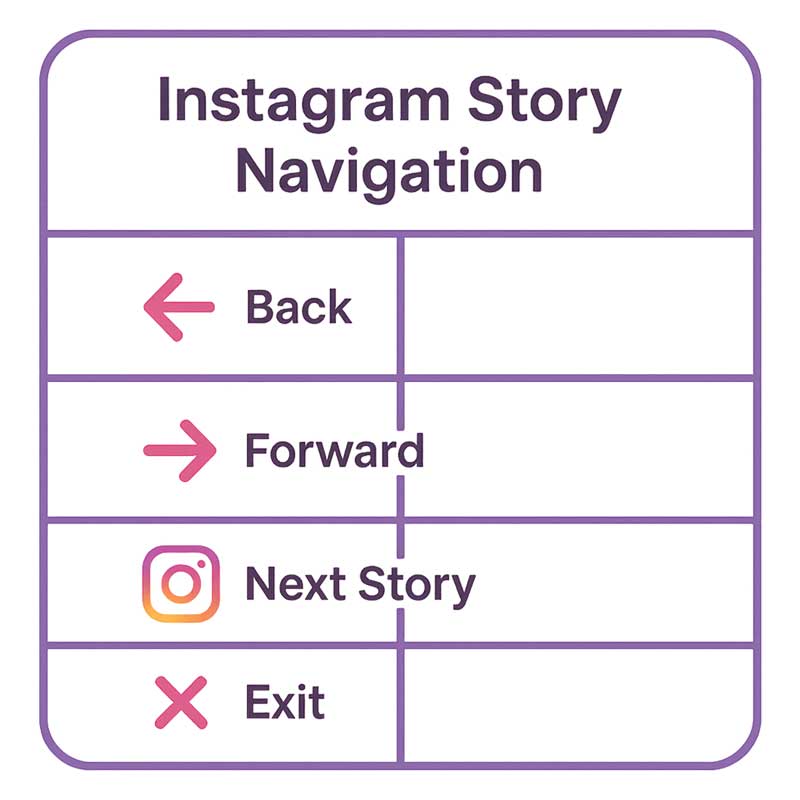
There are four navigation actions:
| Navigation Action | What the Viewer Did | What It Usually Signals |
|---|---|---|
| Back | Tapped the left side of the screen to replay your previous story segment | High interest — they wanted to rewatch something |
| Forward | Tapped the right side of the screen to skip to your next story segment | Mixed — could be impatience, fast consumption, or low interest |
| Next Story | Swiped left to move to a different account’s story | Lost interest in your content specifically |
| Exited | Swiped down or closed the story viewer entirely | Abandoned stories completely — strongest negative signal |
The key difference between Next Story and Exited: Next Story means the viewer kept watching stories—just not yours. Exited means they stopped watching stories altogether. Exited is generally the more serious drop-off signal of the two.
Why Navigation Metrics Matter for Your Instagram Strategy
Reach and impressions tell you how many people saw your story. Navigation tells you what they thought of it. Without navigation data, you’re flying blind on content quality.
| Metric Type | What It Measures | Limitation Without Navigation |
|---|---|---|
| Reach | How many unique accounts saw your story | Doesn’t tell you if they engaged or immediately skipped |
| Impressions | Total number of times your story was viewed | Doesn’t distinguish between engaged viewers and accidental views |
| Replies | How many people messaged in response | Only captures your most highly engaged viewers — a small fraction |
| Navigation | How viewers physically interacted with each segment | — |
Navigation data is especially useful for:
- Identifying which story segments are worth repeating
- Finding the exact segment where you lose viewers
- Testing new formats (video vs. photo, poll vs. text) with real behavioral data
- Deciding the optimal number of story segments per post
Want to see who actually clicked the links in your stories? See our guide on how to see who clicked your link on Instagram Story for a deeper dive into story link analytics.

Instagram Story Navigation Metrics Explained in Detail
Back Taps
Back taps are the most positive navigation signal. When someone taps back, they’re saying: “I want to see that again.” This happens when a story segment contains something worth rewatching—a tip they want to save, a product they want to look at again, a funny moment, or information they processed too quickly the first time. A high back tap count on a specific segment is a clear signal to create more content in that format or on that topic.
Forward Taps
Forward taps are the most nuanced metric. A forward tap simply means the viewer didn’t want to wait for the story to auto-advance—but this doesn’t always mean they disliked the content. Fast consumers often tap forward through every story regardless of quality. However, if your forward taps spike dramatically on a specific segment compared to your average, that segment is likely the weak point: too long, too text-heavy, visually unappealing, or off-topic.
Next Story Swipes
Next Story means the viewer swiped left to move to a different account’s story. They didn’t leave Instagram Stories—they left your stories. This is more content-specific than Exited: it means your story didn’t hold their attention relative to other accounts. High Next Story rates often point to a mismatch between what your bio/profile promises and what your stories deliver, or to posting at a time when your audience isn’t receptive.
Exited
Exited is the strongest negative signal in navigation data. The viewer closed the story viewer entirely—they didn’t move to another account, they stopped watching stories altogether. This can happen for many reasons (they got a phone call, they were distracted) but a consistently high exit rate on a particular type of story content points to a content problem rather than circumstance. Pay close attention to which segment within a multi-part story triggers the most exits.
| Navigation Signal | Positive / Negative / Neutral | Priority Action |
|---|---|---|
| High Back Taps | ✅ Positive | Identify what made that segment rewatch-worthy and replicate it |
| High Forward Taps (average) | ⚠️ Neutral to mild negative | Monitor for spikes on specific segments; normal tapping is expected |
| Forward Taps spike on one segment | ❌ Negative | Review that segment — likely too long, static, or off-topic |
| High Next Story | ❌ Negative (content-specific) | Reassess topic relevance and posting timing |
| High Exited | ❌❌ Strong negative | Audit your story opener — the hook is failing |
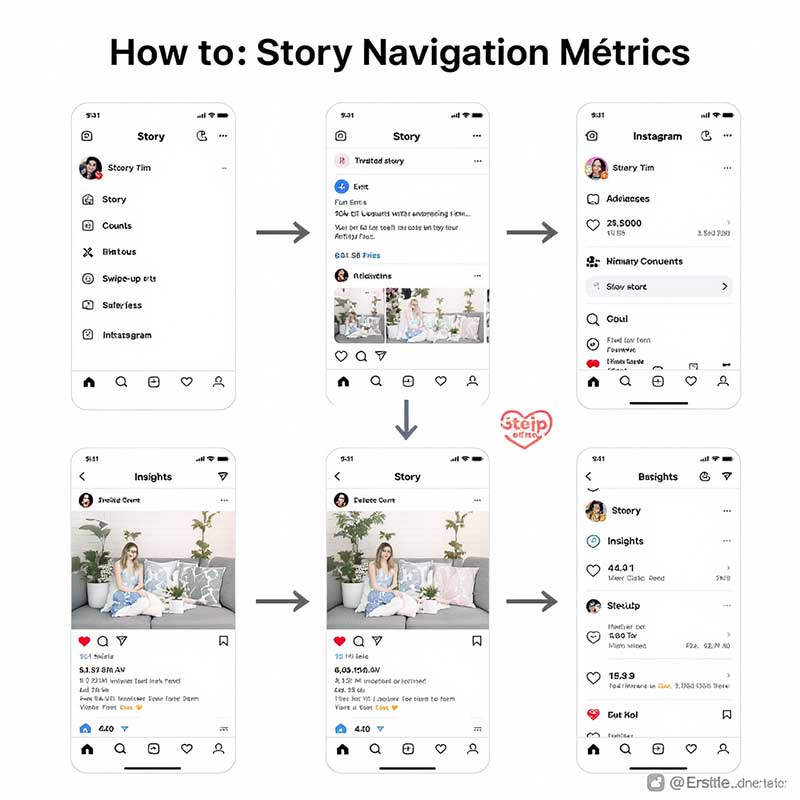
How to Check Navigation Metrics on Instagram
Navigation metrics are only available to business and creator accounts. If you have a personal account, switch to creator or business first (Settings → Account → Switch to Professional Account).
- Open the Instagram app and go to your profile.
- Tap the three-line menu (top right) and select Insights.
- Go to the Content You’ve Shared section.
- Tap Stories to see all recent stories.
- Tap any story to open its analytics.
- Scroll down to the Navigation section — you’ll see Back, Forward, Next Story, and Exited counts for each segment.
| What You’ll See | Where to Find It | Account Type Required |
|---|---|---|
| Back, Forward, Next Story, Exited counts | Insights → Stories → [Story] → Navigation | Business or Creator |
| Reach & Impressions | Same location, above Navigation section | Business or Creator |
| Replies and Shares | Same location, Interactions section | Business or Creator |
| Profile visits from story | Same location, Discovery section | Business or Creator |
Note: Instagram only keeps story analytics for stories posted in the last 14 days after the story expires. Once a story disappears (after 24 hours), you have a 14-day window to review its metrics before the data is gone.
How to Interpret Navigation Data Accurately
Raw numbers alone don’t tell you much. Here’s how to read navigation data in context:
| Scenario | What It Means | What to Do |
|---|---|---|
| High back taps + high replies | Your best-performing story type — highly engaging content | Document what made it work; repeat the format |
| High forward taps, low exits | Fast consumers — they stayed in stories, just moved quickly | Try shorter segments but don’t panic yet |
| Forward taps spike mid-series | A specific segment is the weak point | Identify that segment and cut or improve it |
| High Next Story on segment 1 | Your opener failed to hook them | Rewrite your story opening with a stronger hook |
| High Exited on last segment | Less concerning — many exits at the final slide are normal | Only worry if exits are high on early segments |
| High Exited throughout all segments | Topic or timing mismatch with your audience | Review posting time and topic relevance |
One important rule: Always compare like with like. Compare your product stories against other product stories, not against Q&A stories. Length, format, and topic all affect navigation numbers independently.
How to Improve Your Instagram Story Navigation Metrics
| Goal | Strategy | Why It Works |
|---|---|---|
| Increase Back Taps | Include genuinely rewatch-worthy content: tips, tutorials, “swipe back to see” prompts | Gives viewers a reason to replay rather than move on |
| Reduce Forward Taps | Keep each story segment under 7 seconds; front-load your key message | Eliminates the “waiting for it to end” feeling that triggers forward taps |
| Reduce Next Story | Open with a question or bold statement that creates immediate curiosity | A strong opener makes the viewer want to see what comes next |
| Reduce Exited | Hook your audience in the first 2 seconds — visually and with text | Most exits happen at the very beginning if there’s no compelling reason to stay |
| Improve all metrics | Use interactive stickers: polls, quizzes, sliders, question boxes | Interaction pauses auto-advance and creates active engagement |
| Improve all metrics | Post when your audience is active (check Insights → Audience → Most Active Times) | Active viewers are less likely to exit or skip; passive early-morning viewers skew metrics negatively |
For more ways to drive action from your stories, see our guide on the Instagram link sticker CTA—one of the most underused tools for converting story viewers into website visitors.
Common Mistakes When Reading Navigation Metrics
| ❌ Mistake | ✅ Correct Approach |
|---|---|
| Treating all forward taps as failure | Forward taps are expected; only spike-level forward taps on a specific segment signal a problem |
| Comparing a 10-segment story to a 2-segment story | Normalize your comparisons: compare similar-length stories on similar topics |
| Ignoring external context | Holidays, breaking news, and the day of the week all affect engagement — account for them |
| Focusing only on one metric | Navigation only makes sense as a set: back + forward + next + exit together tell the full story |
| Panicking about high exits on the final slide | Most exits occur naturally on the last segment — focus on exits on segments 1–3 instead |
| Not acting on the data | Navigation metrics have no value if you don’t use them to change your next story’s format |
Navigation vs. Other Instagram Story Metrics: What to Watch Together
Navigation doesn’t exist in isolation. Here’s how it connects to the other metrics in your Instagram Insights:
| Metric Combination | What It Tells You |
|---|---|
| High Reach + High Exit | You’re getting distribution but your content isn’t delivering — likely a hook problem or topic mismatch |
| Low Reach + High Back Taps | Your existing audience loves this content — needs better distribution (hashtags, sharing, timing) |
| High Forward + High Replies | Fast consumers who still engaged — your format may be fine, audience is just time-pressed |
| High Exited + Low Replies | Strong signal to overhaul your story strategy — topic, format, and timing all need review |
| High Back Taps + High Profile Visits | Your story content is driving profile discovery — excellent signal for growth |
FAQ: Navigation on Instagram Story
What does navigation mean on Instagram Stories?
Navigation on Instagram Stories refers to the four interaction types Instagram tracks when viewers watch your stories: Back (replayed the previous segment), Forward (skipped to the next segment), Next Story (swiped to another account’s story), and Exited (closed the story viewer entirely). These are found in your Instagram Insights under the Stories section and give you behavioral data about how your audience actually consumed each segment—not just whether they saw it.
What is “exited” in Instagram Story navigation?
Exited means a viewer closed the Instagram Stories viewer entirely—they didn’t just move to another account’s story, they left stories completely. It’s the strongest negative navigation signal because it indicates total disengagement. Common causes include: an unappealing opener, content that doesn’t match the viewer’s expectations, a story that’s too long, or poor posting timing (reaching viewers when they’re not in “story mode”). Consistently high exits on your first one or two segments is a clear sign your hook needs work.
What is the difference between Forward and Next Story on Instagram?
Forward means the viewer tapped the right side of the screen to skip to your next story segment—they stayed on your account but moved ahead. Next Story means they swiped left and moved to a completely different account’s stories. Both indicate reduced interest in the specific segment they skipped, but Next Story is a stronger signal of content dissatisfaction because the viewer actively chose another account over continuing with yours.
What does a high back tap count mean on Instagram Stories?
A high back tap count is the most positive signal in story navigation. It means viewers found that segment compelling enough to rewatch. This typically happens when you share a tip worth saving, reveal something surprising, show a product the viewer wants to examine more closely, or include information that moves faster than viewers can process in one viewing. When you identify a high-back-tap segment, analyze what made it rewatch-worthy—the format, the content type, the length—and deliberately replicate those elements in future stories.
How do I check navigation metrics on Instagram?
You need a business or creator account to access navigation data. Go to your profile → tap the three-line menu → Insights → Content You’ve Shared → Stories → tap on any specific story → scroll to the Navigation section. You’ll see the count for Back, Forward, Next Story, and Exited for each segment. Note that this data is only available for stories posted within the last 14 days after expiry—once that window closes, the navigation data is gone permanently.
What is a good navigation rate for Instagram Stories?
Instagram doesn’t publish benchmark navigation rates, and they vary significantly by account size, niche, and audience. Instead of chasing a universal number, compare your own stories against each other. A story that gets 3x more back taps than your average is performing well regardless of the absolute number. Similarly, a story with exit rates significantly above your personal average is a red flag worth investigating. Your own historical data is the most relevant benchmark you have.
Can I see who navigated forward or exited my story?
No. Instagram only shows the total count for each navigation action—you cannot see which specific users tapped forward, skipped to next story, or exited. You can see a list of who viewed your story (within 24 hours), but navigation actions are anonymous aggregate data. This is by design: Instagram shows you the behavioral patterns without identifying individual viewer decisions, which protects viewer privacy while still giving creators actionable engagement data.
How can I reduce exits on my Instagram Stories?
Most exits happen in the first 1–2 segments, so your opener is the highest-leverage place to focus. Start with a bold question, an unexpected statement, or a visual that immediately communicates why the viewer should keep watching. Beyond the opener: keep individual segments short (under 7 seconds), use text overlays so your story works without sound, use interactive stickers (polls, quizzes) to break auto-advance, and post during your audience’s peak active hours (check Insights → Audience → Most Active Times).
Related Articles
| Article | Why It’s Relevant |
|---|---|
| How to See Who Clicked Your Link on Instagram Story | Complements navigation data with link click analytics |
| Instagram Link Sticker CTA Guide | Convert story viewers into website visitors after improving retention |
| Can Someone See Your Highlights If You Hide Your Story? | Story privacy and visibility settings that affect who sees your content |
| Instagram Story Deleted Before 24 Hours | What happens to navigation data when a story is deleted early |
| He Suddenly Stopped Watching My Instagram Stories | Understanding story visibility and viewer behavior changes |
| Instagram Story Safe Zone | Technical formatting that prevents key content from being cut off |

8 Responses
Live, laugh, share. It’s all about the story
Can someone clarify what is the difference between forward and next story on instagram? I thought they were the same thing.
Hi Tony! “Forward” means tapping to the next slide within your own story. “Next Story” means swiping to the next person’s story. A “Forward” is usually better for engagement than a “Next Story.”
This is the best breakdown of instagram story insights navigation I’ve found. I never understood the difference between “Back” and “Next Story” until now. Super helpful for my business account.
This is so helpful. I always wondered, what does forward mean on instagram story? I was worried it meant people were skipping my content.
Hi Emily! Not necessarily. “Forward” often just means they’ve finished that part of the story and are ready for the next slide. A high number of “Exited” is usually a clearer sign of disinterest.
I just saw “Navigation” in my story insights for the first time. Can someone explain what does navigation mean on instagram story? I’m so lost!
Hi Chris! Great question. “Navigation” is a set of actions users take on your story, like tapping forward, back, or swiping to the next story. This article breaks down what each action means for your engagement.