


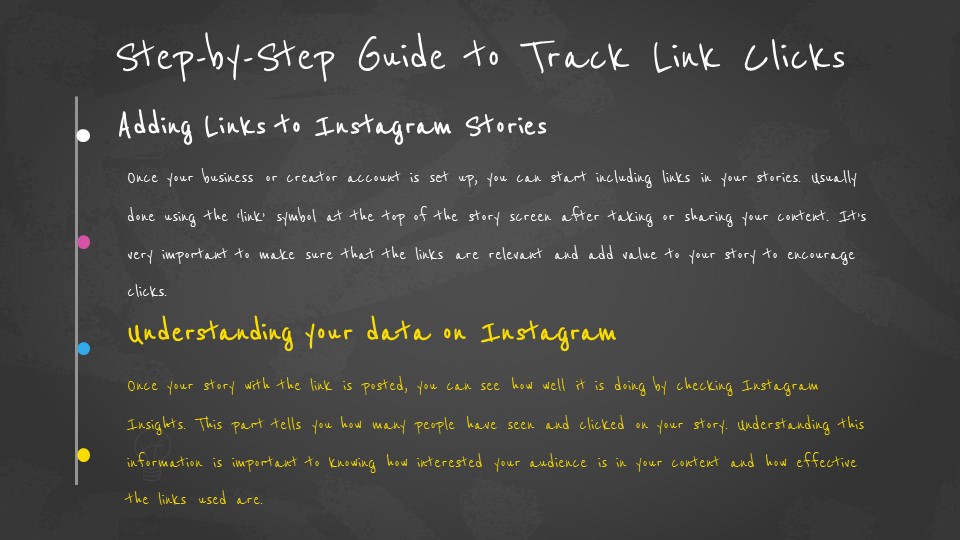
No — Instagram does not show you who clicked your link. Whether you added a link sticker to your story or a link in your bio, Instagram only gives you the total number of clicks. You cannot see the usernames or profiles of the people who tapped.
But that does not mean you are completely in the dark. There are several ways to track link clicks on Instagram more effectively, and this guide covers all of them.
What You Can and Cannot See
| Question | Answer |
|---|---|
| Can you see who clicked your link on Instagram story? | No. Instagram shows only the total number of clicks, not usernames. |
| Can you see who clicked your link in your Instagram bio? | No. Same rule applies — only total clicks are visible via Insights. |
| Does Instagram tell you who clicked your link? | No. Instagram does not notify you or reveal who clicked. |
| Can someone see if you click their Instagram story link? | No. Clicking a link is private — the account owner cannot see who clicked. |
| How can you track Instagram link clicks at all? | Use Instagram Insights for totals, or Bitly, UTM, or Linktree for more detail. |
How Instagram Link Tracking Actually Works
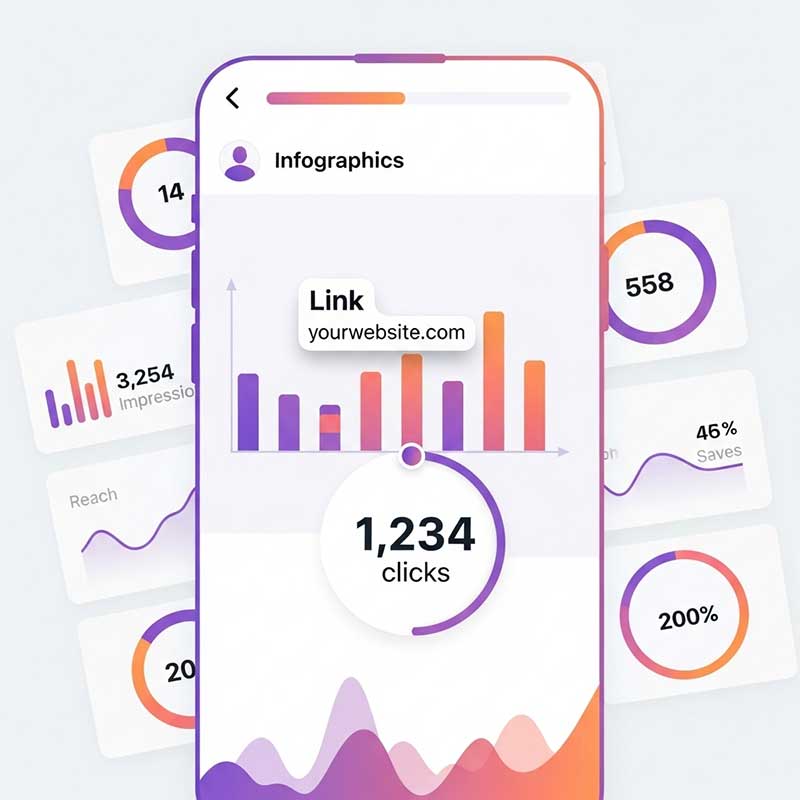
When someone taps your link sticker in a story, Instagram records the action as a click. This data is stored and shown to you through Instagram Insights — but only as a number. Instagram deliberately does not reveal which specific users clicked because of its privacy policy and data handling rules.
The same applies to your bio link. You can see how many times your bio link was tapped, but not who tapped it.
This is not a bug or a missing feature. It is an intentional design decision by Instagram, similar to how story views show you exact usernames but link clicks do not.
How to See Link Clicks on Instagram Stories
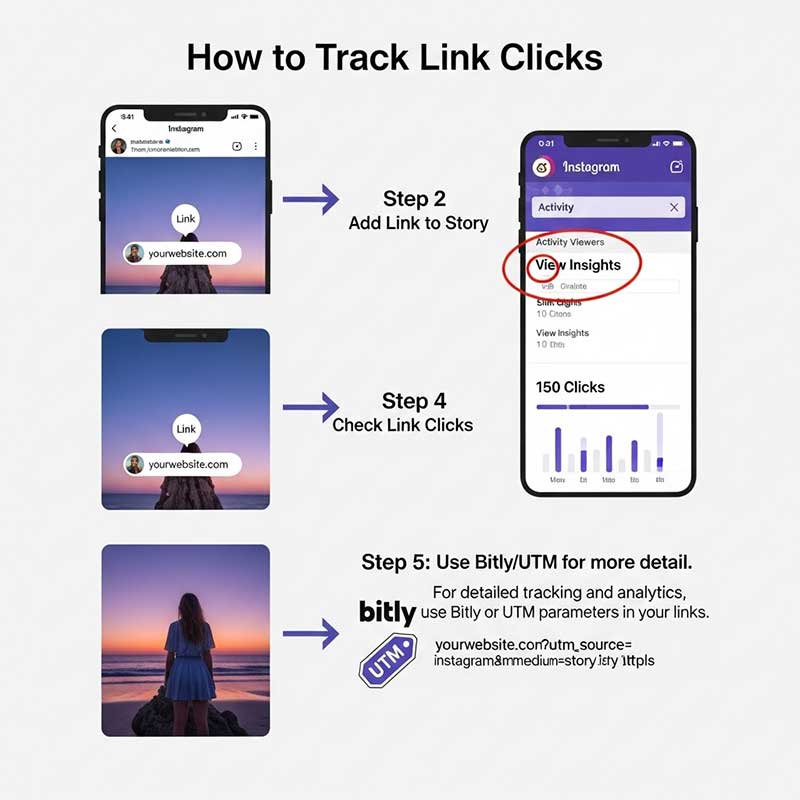
To see the total number of link clicks on your Instagram story, you need a business or creator account. Here is how to access the data:
- Switch to a professional account if you have not already. Go to Settings → Account → Switch to Professional Account.
- Post a story with a link sticker. Add your URL using the link sticker option when creating the story.
- Open the story after posting. Tap on your story from your profile or the story bar.
- Swipe up on the story. This opens the Insights panel for that story.
- Look for “Link Clicks.” This number shows how many times your link sticker was tapped.
You will also see other metrics like impressions, reach, and navigation actions alongside the link click count.
How to See How Many Link Clicks on Instagram Bio
Your Instagram bio link is tracked separately from your story links. To see bio link clicks:
- Go to your Instagram profile.
- Tap Professional Dashboard or View Insights.
- Scroll to find Accounts Reached or the Overview section.
- Look for Website Taps or External Link Taps — this shows how many people tapped your bio link.
Again, this gives you a number — not names.
What Is Link History on Instagram?
Instagram introduced a feature called Link History that allows users to see a list of links they have clicked within the Instagram app. This feature is designed for the person clicking links — not for the account owner whose link was clicked.
In other words:
- You can see the links you have clicked on Instagram via your own Link History.
- The account that posted the link cannot see that you clicked it.
- Link History is a personal browsing record, not a tracking feature for link owners.
To find your own Link History: go to your profile → tap the three lines → Settings → Your activity → Links you’ve visited.
How to Track Who Clicks Your Link More Precisely
If total click counts are not enough and you want to understand more about who is clicking and what they do next, you have three main options:
Option 1: Use Bitly to Shorten and Track Your Link
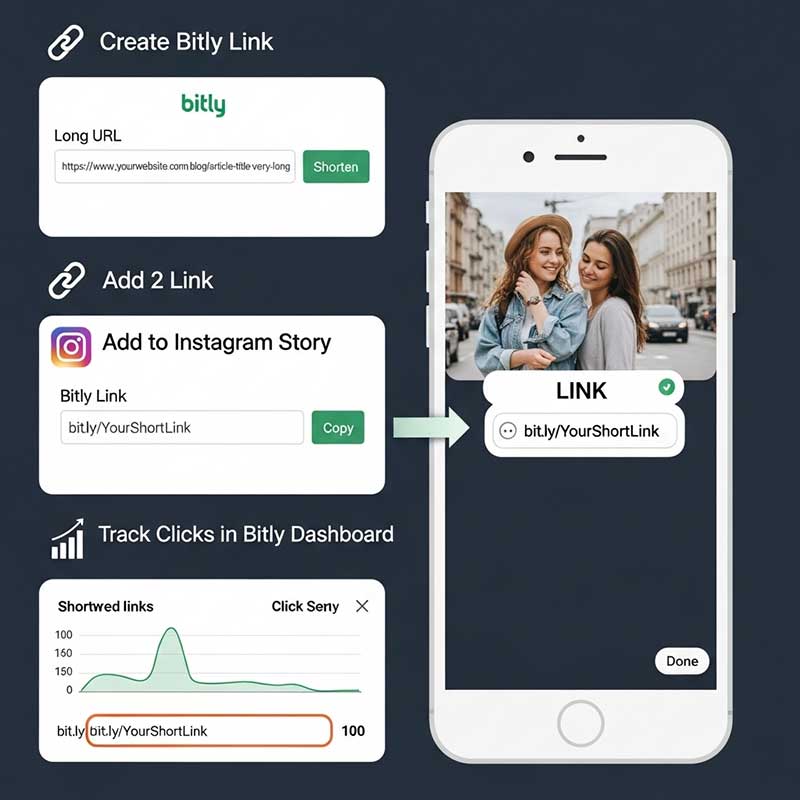
Bitly is a free link shortener that also tracks detailed click analytics. Here is how to use it for Instagram:
- Go to bitly.com and create a free account.
- Paste your destination URL into Bitly and get a shortened link.
- Add the Bitly link to your Instagram story using the link sticker.
- After your story goes live, log in to Bitly and check your link analytics.
Bitly shows you total clicks, the location of clickers, which platform they came from, and what time clicks happened. It still cannot show you exact usernames, but it gives you more context than Instagram Insights alone.
Option 2: Add UTM Parameters and Use Google Analytics
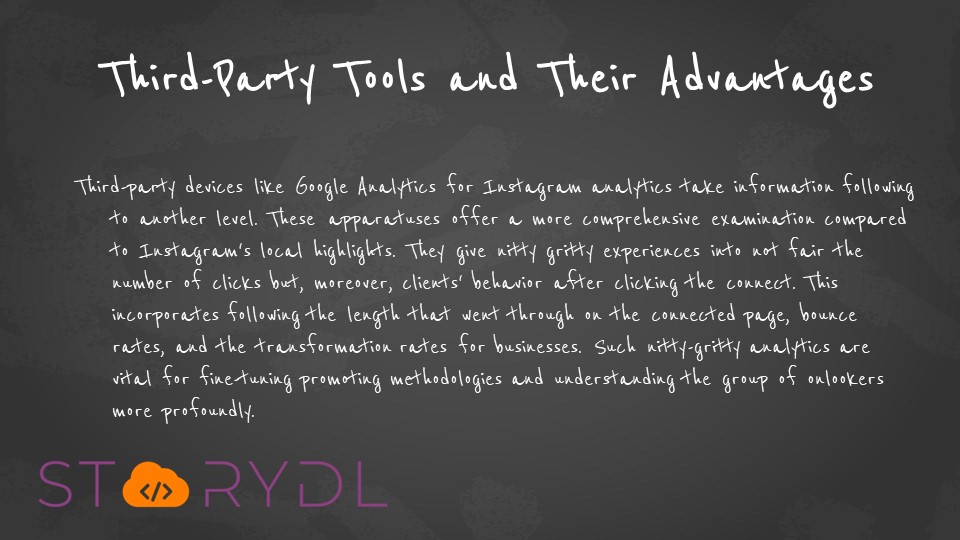
UTM parameters are tags you add to your URL that tell Google Analytics exactly where traffic came from. This is especially useful if you are driving traffic to a website.
- Go to Google’s Campaign URL Builder (a free tool).
- Enter your website URL and fill in the UTM fields: source (instagram), medium (story), campaign (your campaign name).
- Copy the generated URL and add it to your Instagram story link sticker.
- In Google Analytics, go to Acquisition → Traffic Acquisition and filter by your campaign source to see clicks, bounce rate, pages visited, and conversions.
This is the most powerful free method available. It tells you not just that someone clicked, but what they did on your site after clicking.
Option 3: Use Linktree or a Similar Link-in-Bio Tool
Tools like Linktree let you put multiple links behind one URL. Most of them also provide click analytics per link.
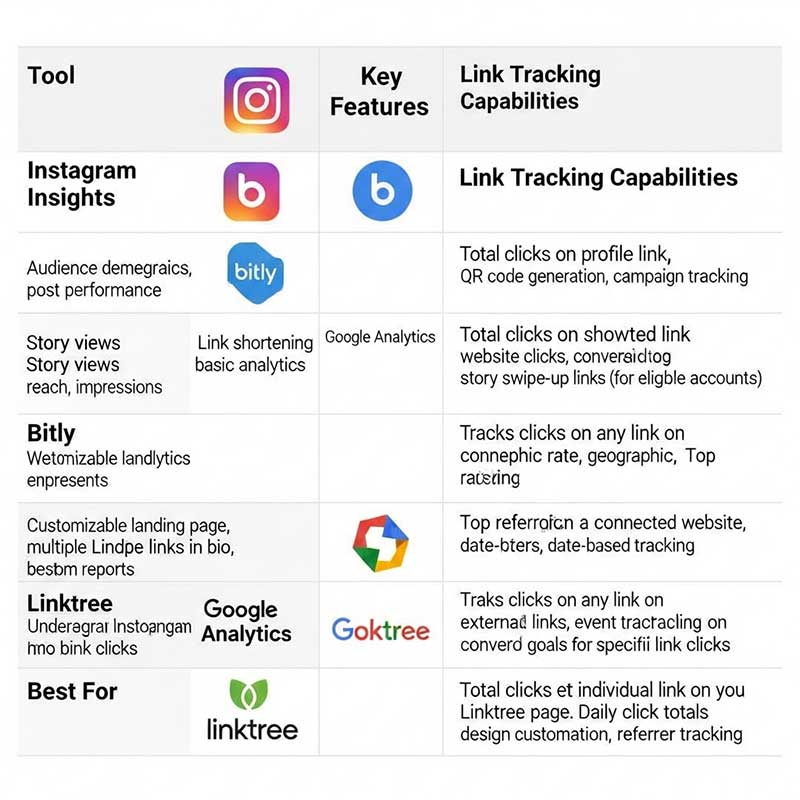
| Tool | What It Tracks | Shows Usernames? | Free Plan? |
|---|---|---|---|
| Instagram Insights | Total link clicks, impressions, reach | No | Yes (business/creator accounts) |
| Bitly | Total clicks, location, time, platform | No | Yes (limited) |
| Google Analytics + UTM | Traffic source, behavior, conversions, pages visited | No | Yes (fully free) |
| Linktree | Clicks per link, total views, top links | No | Yes (limited) |
| Beacons | Clicks per link, audience analytics | No | Yes (limited) |

Can You See Who Clicked Your Linktree Link?
No. Linktree, like Instagram itself, does not reveal the usernames or identities of people who clicked your links. Linktree analytics show you:
- Total views on your Linktree page
- Total clicks per individual link
- Click-through rate per link
- Traffic source data (on paid plans)
But you cannot see a list of “User A clicked this link at 3pm.” This is true for all link-in-bio tools, not just Linktree. The data is aggregated, not individual.
Can You See Who Clicked Your Link Generally?
This is a broader question that comes up often. In almost all cases, no platform shows you exactly who clicked a link because it would be a privacy violation. Here is the general picture:
| Scenario | Can You See Who Clicked? | What You Can See |
|---|---|---|
| Instagram story link sticker | No | Total click count via Insights |
| Instagram bio link | No | Total taps via Insights |
| Bitly short link | No | Total clicks, location, device, time |
| Linktree or Beacons link | No | Total clicks and per-link analytics |
| Your own website with Google Analytics | No (individual users are anonymous) | Sessions, pages, conversions, location, device |
| Email marketing link (via Mailchimp, etc.) | Yes, in some cases | Which email subscriber clicked, when, and how many times |
The exception is email marketing. Platforms like Mailchimp can show you which specific subscribers clicked a link in your email because users opted into that list with their email address. Instagram does not have this type of system.
Tips to Get More Clicks on Your Instagram Story Links
Since you cannot see who clicked, the best strategy is to focus on getting more people to click in the first place.
- Make your link sticker visible and readable. Place it in the center or lower third of the story frame where it is easiest to tap.
- Add a clear call to action near the sticker. Text like “Tap to read” or “Shop here” tells people exactly what to do.
- Use contrast. A link sticker that blends into the background gets ignored. Use a background color that makes it stand out.
- Post at the right time. Check Instagram Insights to see when your followers are most active and post stories during those windows.
- Tell people what they will get. “Free guide inside” or “Limited offer — tap the link” creates more motivation to click than a generic sticker.
- Keep your story short. If someone has to watch 10 seconds of content before seeing your link, many will skip before they get there.
If you want to make it even easier for people to contact you after they click, try our Send WhatsApp Message Without Saving Contact tool.
Common Issues and How to Fix Them
| Problem | Likely Cause | Solution |
|---|---|---|
| Link clicks not showing in Insights | Personal account, not professional | Switch to a business or creator account |
| Zero clicks despite many story views | Link sticker is hard to see, or no CTA | Reposition the sticker and add clear call-to-action text |
| Can’t add a link to Instagram story | Feature may be unavailable on personal accounts | Switch to professional account or check if your app is updated |
| Bitly not tracking Instagram clicks accurately | Some users open links in browser without full redirect | Use both Bitly and UTM parameters together for better data |
| Google Analytics showing no Instagram traffic | UTM parameters were not set up correctly | Double-check the UTM source and medium fields, use exactly “instagram” and “story” |
Frequently Asked Questions
Can you see who clicked your link on Instagram story?
No. Instagram shows only the total number of link clicks in your story Insights. It does not reveal which users or accounts clicked the link. This is by design and applies to all accounts, including business and creator accounts.
How to see who clicked your link on Instagram bio?
You cannot see who clicked your Instagram bio link specifically. You can only see the total number of taps on your external link through Instagram Insights under the “Website Taps” metric. For more detail, use a trackable link like a Bitly short URL or a UTM-tagged URL and check analytics in Bitly or Google Analytics.
Can someone see if you click on a link in their Instagram story?
No. When you click a link in someone’s Instagram story, the account owner cannot see that you clicked it. Instagram only shows them the total click count, not who clicked. Your click is private.
What is Link History on Instagram and can they use it to see who clicked?
Link History is a feature for Instagram users to see the links they personally clicked inside the Instagram app. It is only visible to you — not to the account that posted the link. So if you clicked someone’s link, they cannot find that information through Link History.
Can you see who clicked your Linktree link?
No. Linktree shows total views, total clicks, and per-link click data, but it does not show you which specific users or Instagram accounts clicked your links. The same applies to other link-in-bio tools like Beacons, Koji, and Milkshake.
Is there any way to create a link that tells you who clicked it?
No public link tool can reliably show you exactly who clicked from Instagram, because Instagram users are not logged in to an external system that would identify them. Email marketing platforms like Mailchimp can track individual subscriber clicks, but this only works when people signed up with their email — not for anonymous Instagram visitors.
How to see how many link clicks on Instagram?
For stories: open your story, swipe up, and look for the Link Clicks metric in Insights. For bio links: go to your profile, tap Professional Dashboard, and look for Website Taps. For more detailed click numbers, use Bitly or add UTM parameters and check Google Analytics.
Does Instagram track links for personal accounts?
Link click data in Insights is only available for business and creator accounts. Personal accounts can add link stickers to stories, but they do not get access to click analytics through Instagram. To see link tracking data, switch to a professional account in your settings.
Related Articles
- Instagram Story Blocked in 71 Countries
- Instagram Story Pinning Not Working
- Do Hashtags Work on Instagram Story?
- Instagram Story Navigation Explained
- Can Someone See Your Highlights If You Hide Your Story?
Final Thoughts
Instagram does not show you who clicked your link — and it probably never will. But the total click count from Insights, combined with data from Bitly, UTM parameters, or Linktree, can give you a solid understanding of how your links are performing.
Focus on making your link sticker easy to see, pair it with a clear call to action, and post when your audience is most active. That combination will do more for your results than any tracking tool.