


If your Instagram story disappeared before the 24-hour mark, there are seven possible causes—and a specific fix for each one. This guide covers every reason an Instagram story can vanish early, how to tell which one applies to your situation, and exactly what to do about it.
How Instagram Stories Work: The 24-Hour Rule
Instagram Stories are designed to expire exactly 24 hours after posting. After expiry, the story disappears from your profile and your followers’ feeds and moves to your archive (if archive is enabled in Settings). Stories saved as Highlights stay on your profile permanently.
When a story vanishes before 24 hours, something went wrong with one of these seven factors:
| Cause | How Common | Who It Affects |
|---|---|---|
| App bug or glitch | Very common | All users, especially after updates |
| Failed or interrupted upload | Common | Users on weak connections |
| Incorrect device date/time settings | Less common | Users who manually set device time |
| Community guideline violation | Moderate | Accounts posting sensitive content |
| Manual deletion (accidental or by another user) | Less common | Shared account users |
| Account flagged or reported | Less common | Accounts with prior violations |
| Archive bug or sync error | Less common | All users |
Cause 1: App Bug or Technical Glitch
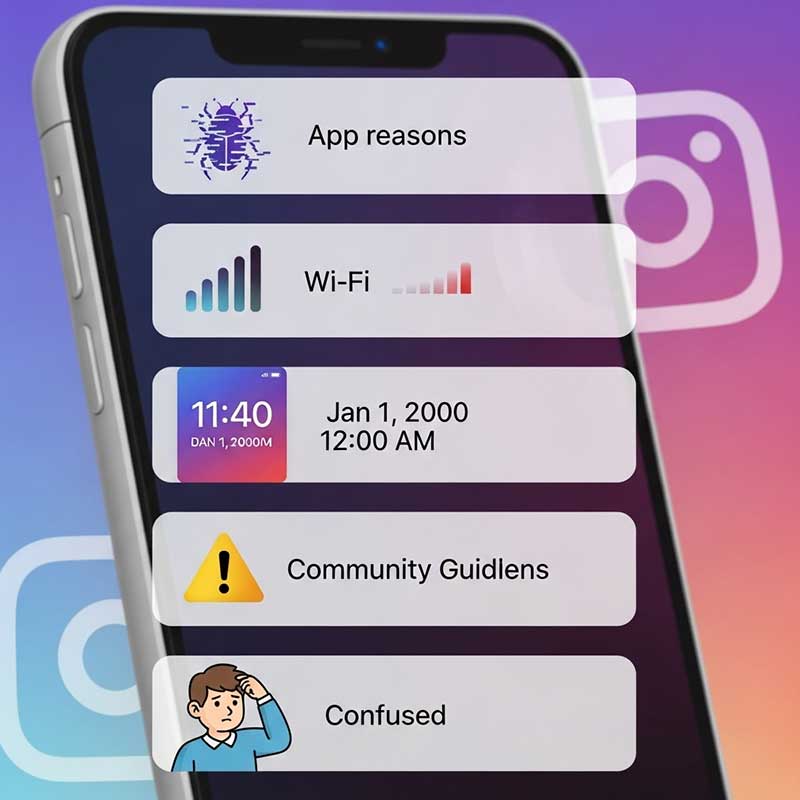
The most frequent cause of early story disappearance is an Instagram app bug—either a bug introduced in a recent update, a server-side issue on Instagram’s end, or a conflict with your phone’s operating system. These bugs are usually temporary and often affect many users simultaneously.
How to tell: Check if other users are reporting the same issue. If the problem appeared immediately after an app update, that’s a strong indicator.
Fix:
- Update Instagram to the latest version (App Store or Google Play)
- Restart your phone after updating
- Clear the Instagram cache: Settings → Apps → Instagram → Storage → Clear Cache (Android) or delete and reinstall the app (iOS)
- Log out and log back in
Cause 2: Failed or Interrupted Upload
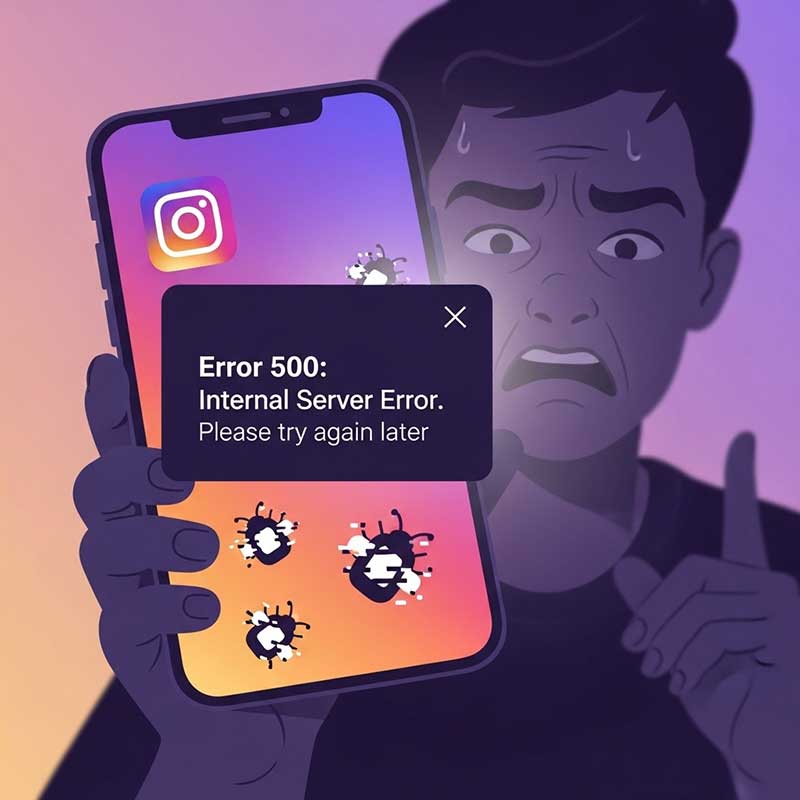
When you post a story on a weak or unstable connection, Instagram may show a “Posted” confirmation even though the upload didn’t fully complete on its servers. The story appears in your feed briefly, then disappears when Instagram’s servers fail to validate the upload. This is different from a story that was successfully posted and then removed—the story was never fully live to begin with.
How to tell: The story disappears within minutes of posting, often before any views register. If you check your story immediately after posting and see 0 views even after waiting, an upload failure is likely.
Fix:
- Always post stories on a strong, stable Wi-Fi or 4G/5G connection
- Don’t switch between Wi-Fi and mobile data during upload
- Wait for the progress bar to fully complete before closing the app
- Keep the app open for 30 seconds after posting to confirm upload
- If you notice early disappearance, re-post from your camera roll immediately
Cause 3: Incorrect Device Date or Time Settings
Instagram’s servers use UTC time to calculate when a story should expire. If your device’s clock is set to the wrong time—even by a few hours—Instagram can miscalculate the 24-hour window and remove your story early. This is a surprisingly common cause that’s easy to overlook.
How to tell: Check your device’s time against the actual current time. If they don’t match, this is likely your issue.
Fix for Android:
- Go to Settings → General Management → Date and Time
- Enable “Automatic date and time”
- Restart your phone
Fix for iPhone:
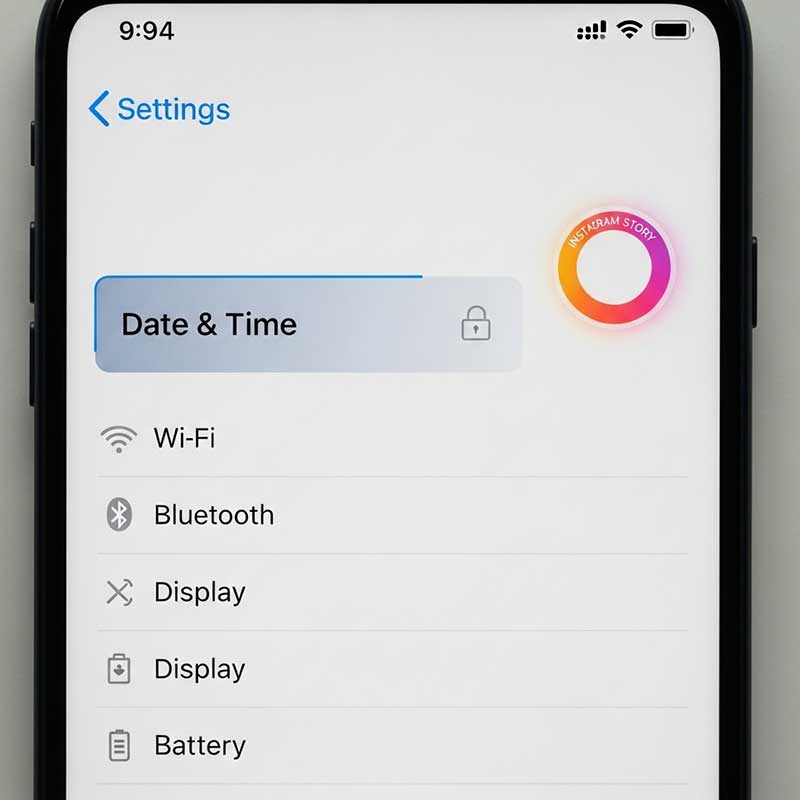
- Go to Settings → General → Date & Time
- Enable “Set Automatically”
- Restart your phone
Cause 4: Community Guideline Violation
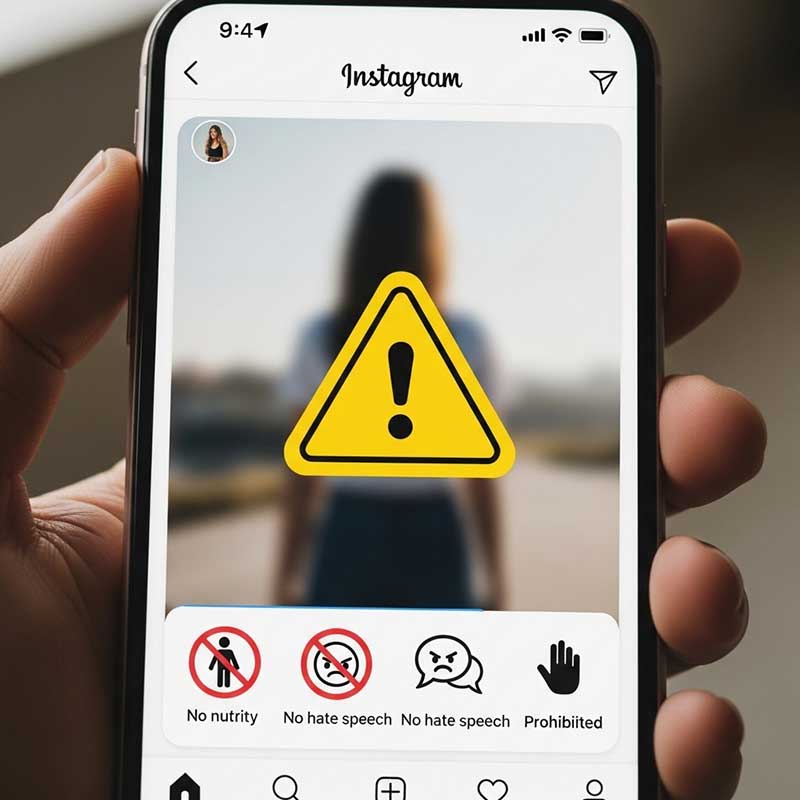
If your story contained content that violates Instagram’s Community Guidelines—nudity, graphic violence, hate speech, spam, or misinformation—Instagram’s automated systems can remove it within minutes of posting, sometimes without any notification. This is the only cause where Instagram is actively removing your story rather than a technical error causing it to disappear.
How to tell: You may receive a notification in your Activity or a warning about a violation. If you posted sensitive content and the story disappeared rapidly, this is the likely cause.
Fix:
- Review Instagram’s official Community Guidelines before posting borderline content
- If you believe the removal was a mistake, use the “Request Review” option in your notifications or go to Settings → Help → Support Requests to appeal
- Repeated violations can restrict your story posting ability or lead to account suspension
Cause 5: Manual Deletion (Accidental or by Another User)
Stories can be accidentally deleted by the account owner—a single tap on “Delete Story” in the story options removes it immediately with no undo. If your account is shared with a team, a colleague or manager may have deleted it. This is easy to overlook because there’s no deletion notification.
How to tell: Check your archive immediately. If the story appears in your archive but not on your profile, it was manually deleted. If it’s not in the archive at all, it was hard-deleted.
Fix:
- Enable Story Archive: Settings → Privacy → Story → Save to Archive (this gives you a recovery option)
- Re-upload from your camera roll if you have the original saved
- For shared accounts, review who has login access and set up login activity notifications
Cause 6: Account Flagged or Reported
If multiple users report your story, or if your account has a history of guideline violations, Instagram may preemptively remove stories pending review. Accounts that have been restricted, suspended, or are under active review are more susceptible to early story removal.
How to tell: Check your email (the one registered to Instagram) for any violation notices. Go to Settings → Help → Support Requests to see any active restriction or review processes.
Fix:
- Appeal any restrictions through Settings → Help → Support Requests
- Ensure your account bio, username, and content all comply with Instagram’s Community Guidelines
- Avoid posting content that could be misinterpreted as violating guidelines during an active review period
Cause 7: Archive Bug or Sync Error
Sometimes a story doesn’t actually disappear from your live profile—it disappears from your archive, or appears missing from both places due to a sync error between Instagram’s servers and the app on your device. In these cases, the story may still be visible to your followers even though you can’t see it on your end.
How to tell: Ask a follower if they can still see your story. If they can, the issue is a display error on your device, not an actual deletion.
Fix:
- Force-close Instagram and reopen it
- Log out and log back in to force a sync
- Update the app to the latest version
- If the story is still missing after these steps, contact Instagram through Settings → Help → Report a Problem
- You can also report bugs directly via Instagram’s official help page for reporting a problem
Complete Troubleshooting Guide: Instagram Story Disappeared Before 24 Hours
| Symptom | Most Likely Cause | First Action to Take |
|---|---|---|
| Story disappears within minutes of posting | Failed upload or guideline violation | Check your connection quality; check for violation notification |
| Story disappears after a few hours | App bug or device time settings | Update app; check date/time is set to automatic |
| Story visible to followers but not to you | Sync/display error | Force-close and reopen the app; log out and back in |
| Story missing from archive too | Hard deletion or account issue | Re-upload from camera roll; check Settings for restrictions |
| Received violation notification | Community guideline violation | Appeal through Settings → Help → Support Requests |
| Happens after every app update | App bug | Clear cache or reinstall Instagram |
| Only happens on one specific type of content | Content-based guideline violation | Review that content type against Instagram’s guidelines |
How to Recover a Story That Disappeared Early
| Recovery Method | Works When | How to Do It |
|---|---|---|
| Check archive | Story was manually deleted or expired naturally | Profile → Archive icon (clock) → Stories Archive |
| Re-upload from camera roll | You saved the original before posting | Create new story → upload from gallery |
| Enable auto-save to camera roll | Going forward (prevention) | Settings → Privacy → Story → Save Story to Camera Roll |
| Appeal to Instagram | Story was removed for an alleged violation | Notifications → “Request Review” or Settings → Help → Support Requests |
| Contact Instagram support | Recurring bug that none of the above fixes | Settings → Help → Report a Problem → Something Isn’t Working |
How to Prevent Instagram Stories from Disappearing Early
| Prevention Step | What It Prevents |
|---|---|
| Always post on strong Wi-Fi or 4G/5G | Failed uploads |
| Keep Instagram updated | App bugs and glitches |
| Set device date/time to automatic | Early expiry due to time miscalculation |
| Enable Save to Archive and Save to Camera Roll | Permanent loss from accidental deletion or bugs |
| Review content against guidelines before posting | Removal for violations |
| Limit who has login access to your account | Accidental deletion by other users |
| Wait 30 seconds after posting before closing the app | Upload interruption |
If your story disappears because viewers are hiding it themselves, that’s a different issue entirely. See our guide on what it means when someone hides their Instagram story from you for more context on story visibility.

FAQ: Instagram Story Deleted Before 24 Hours
Why did my Instagram story disappear before 24 hours?
There are seven possible causes: an app bug or glitch (especially after updates), a failed or interrupted upload due to poor connection, incorrect date and time settings on your device, a Community Guideline violation that triggered automatic removal, accidental manual deletion (by you or a shared account user), an account flag or report triggering a review, or a sync error between Instagram’s servers and your app. The fastest way to identify the cause is to check whether the story appears in your archive, check for any violation notifications, and test whether the story is still visible to your followers.
Can I recover an Instagram story that disappeared early?
It depends on why it disappeared. If it was manually deleted, check your archive immediately—deleted stories move there before being fully removed. If it was removed for a guideline violation, you can appeal through Settings → Help → Support Requests, but recovery isn’t guaranteed. If it was an upload failure or bug, re-upload from your camera roll if you saved the original. Going forward, enable both “Save to Archive” and “Save Story to Camera Roll” in your privacy settings to always have a backup. Instagram’s official Story Insights help page also has additional guidance on story management.
Why did my Instagram story disappear immediately after posting?
Immediate disappearance (within minutes) almost always points to either a failed upload or a Community Guideline violation. For upload failures: your connection dropped during the upload and Instagram’s servers never fully received the story, even if the app showed a “Posted” confirmation. For violations: Instagram’s automated systems flagged the content and removed it before most viewers could see it. To distinguish between them, check if you received any violation notification in your activity feed—if not, the upload failure explanation is more likely.
How do I check if my Instagram story is still visible to followers?
Ask a follower directly to check your profile. If they can see your story but you can’t, the issue is a display or sync error on your device—not an actual deletion. Fix it by force-closing the Instagram app and reopening it, or logging out and back in to force a full sync. If neither you nor your followers can see the story, it was genuinely removed or failed to upload correctly.
Does incorrect device time cause Instagram stories to disappear early?
Yes. Instagram calculates the 24-hour story window using UTC time from its servers, but it cross-references your device’s time. If your device’s clock is significantly off—even by a couple of hours—Instagram can miscalculate when your story should expire and remove it early. The fix is simple: go to your device settings and set date and time to “Automatic” or “Network-provided.” On iPhone: Settings → General → Date & Time → Set Automatically. On Android: Settings → General Management → Date and Time → Automatic.
What happens to Instagram stories that violate community guidelines?
Stories that violate Community Guidelines are removed by Instagram’s automated systems, typically within minutes of posting. You may or may not receive a notification depending on the severity and type of violation. If you believe the removal was a mistake—for example, medical or educational content that was misclassified—you can request a review through the notification you received or through Settings → Help → Support Requests. For more details on what constitutes a violation, see Instagram’s official Community Guidelines page. Repeated violations progressively restrict your ability to post stories and can lead to full account suspension.
Why did my story disappear from my Instagram archive?
Stories disappear from the archive either because they were manually deleted from the archive, because of an app bug causing a sync failure, or in rare cases, because of an account-level action by Instagram. If you deleted the story from your archive, it cannot be recovered. If it’s a bug, try updating the app and logging out and back in—stories often reappear after a forced sync. If neither works and you believe the story should still be there, contact Instagram through Settings → Help → Report a Problem.
Related Articles
| Article | Why It’s Relevant |
|---|---|
| How to See Instagram Story Preview | Check how your story looks before posting to catch issues early |
| Do Hashtags Work on Instagram Story? | Story optimization tips that complement preventing early deletion |
| Someone Hid Their Instagram Story From You | Understand story visibility vs. actual story deletion |
| Navigation on Instagram Story | Understand story analytics to measure performance before potential issues |
| How to Leave a Close Friends Story on Instagram | Story privacy and audience settings that affect visibility |
| Story Highlights Keep Disappearing | Related disappearance issue affecting Highlights instead of active stories |
One Response
Storydl is perfect. Live, laugh, share. It’s all about the story.