


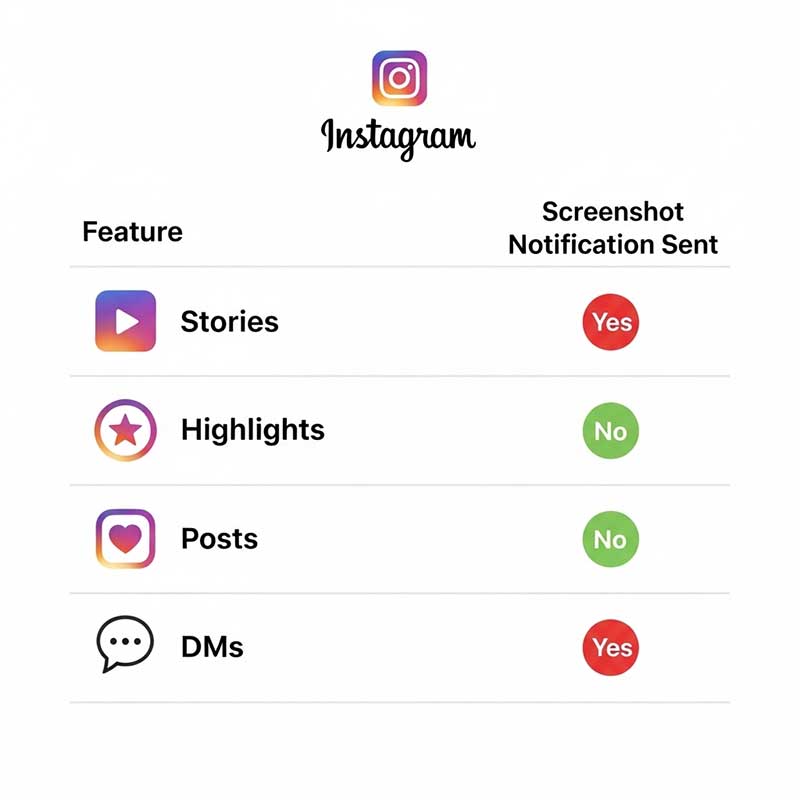
No — Instagram does not notify users when you screenshot their Highlights or Stories. This policy hasn’t changed in 2025. The person whose Highlight you screenshotted will not receive any alert, notification, or indication that a screenshot was taken. The only place Instagram sends screenshot notifications is inside disappearing DMs — not Stories, not Highlights, not posts.
Here’s the complete breakdown of what Instagram tracks, what it doesn’t, and everything else you need to know about Highlights privacy.
Instagram Screenshot Notifications: The Complete 2025 Answer
| Instagram Feature | Screenshot Notification? | Screen Recording Notification? | Notes |
|---|---|---|---|
| Stories | ❌ No | ❌ No | No notification of any kind |
| Highlights | ❌ No | ❌ No | No notification of any kind |
| Feed Posts | ❌ No | ❌ No | No notification of any kind |
| Reels | ❌ No | ❌ No | No notification of any kind |
| Regular DMs | ❌ No | ❌ No | No notification for regular messages or media |
| Disappearing DMs only | ✅ Yes | ✅ Yes | The only feature that triggers a screenshot/recording alert |
Can Someone See If You Screenshot Their Instagram Highlight?
No. When you take a screenshot of someone’s Instagram Highlight—whether their account is public or private, whether you follow them or not—they receive absolutely no notification. Instagram does not log this action, does not show it in their activity feed, and has no way to surface this information to the Highlight owner. This has been Instagram’s policy since Highlights launched and remains unchanged in 2025.
This applies whether you are screenshotting:
- A photo in someone’s Highlight
- A video frame from a Highlight
- Text or graphics within a Highlight slide
- A Highlight from a private account (that you follow)
- A Highlight from a public account

Does Screen Recording Notify on Instagram Highlights?
No. Screen recording a Highlight also generates no notification to the account owner. This is the same policy as screenshots—Instagram does not track or report screen recordings for Stories, Highlights, posts, or regular DMs. The only exception remains disappearing DMs, where both screenshots and screen recordings trigger a notification.
| Action | On Highlights | On Stories | On Disappearing DMs |
|---|---|---|---|
| Screenshot (iPhone) | ❌ No notification | ❌ No notification | ✅ Notifies sender |
| Screenshot (Android) | ❌ No notification | ❌ No notification | ✅ Notifies sender |
| Screen Recording (iPhone) | ❌ No notification | ❌ No notification | ✅ Notifies sender |
| Screen Recording (Android) | ❌ No notification | ❌ No notification | ✅ Notifies sender |
How Instagram Privacy Works for Stories and Highlights
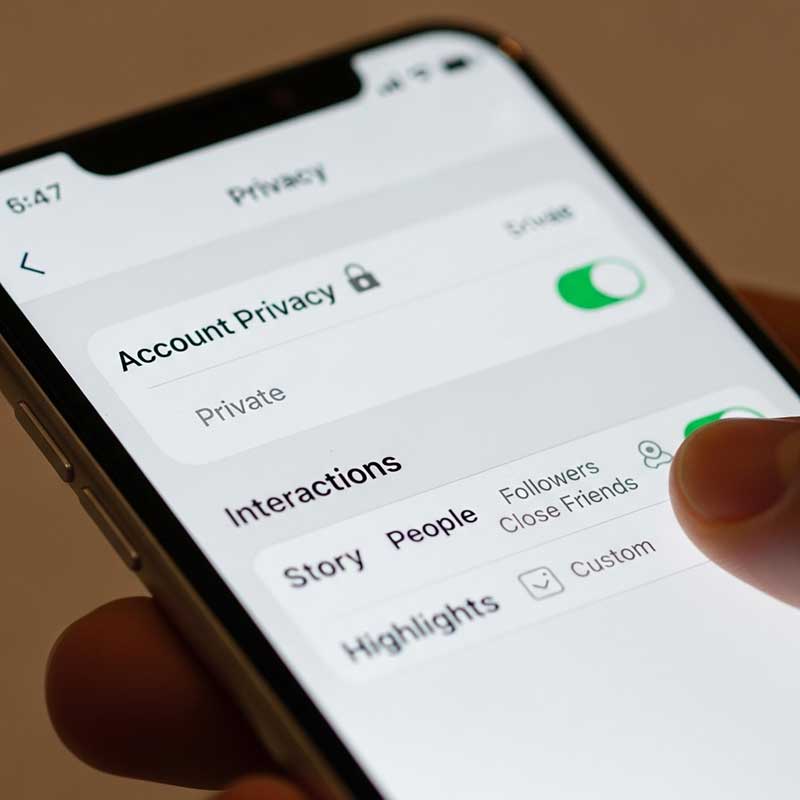
Understanding the full privacy picture for Stories and Highlights helps you make better decisions about what you post and what you can expect others to see:
| Privacy Feature | How It Works | What You Can Control |
|---|---|---|
| Story lifespan | Stories disappear after 24 hours from your feed and followers’ feeds | You can delete manually before 24 hours |
| Highlight lifespan | Highlights stay on your profile permanently until you delete them | You choose when to delete — no automatic expiry |
| Viewer list window | You can see who viewed your Story or Highlight slide for 48 hours after original post | No control — 48-hour window is fixed by Instagram |
| After 48 hours | Viewer names disappear; only total view count remains | You can only see the number, not the usernames |
| Screenshot tracking | Instagram does not track or report screenshots of Stories or Highlights | No control possible — Instagram simply doesn’t track this |
| Who can see your Highlights | Same audience as your Stories: public account = anyone; private account = followers only | Control via account privacy settings or “Hide Story From” |
| Close Friends | Stories shared to Close Friends show a green ring and are only visible to your list | You control who is on your Close Friends list |
Can You See Who Viewed Your Instagram Highlights?
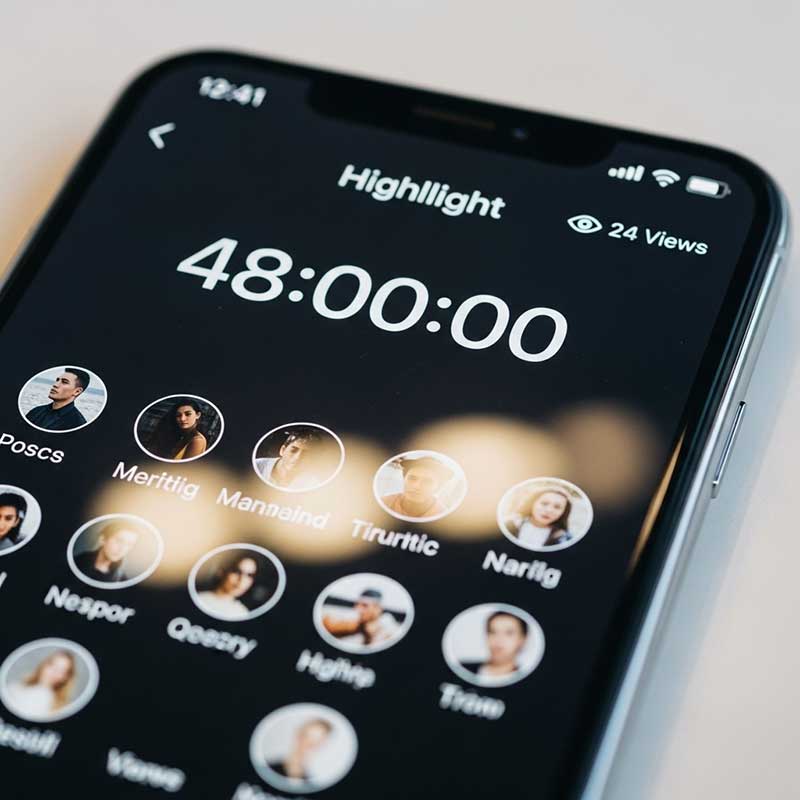
Yes — but only within a 48-hour window from when the original story was posted. Here’s exactly how it works:
- Open your profile and tap the Highlight
- Navigate to the specific slide you want to check
- Swipe up from the bottom of the screen
- If within 48 hours of the original post date, you’ll see a full list of usernames who viewed that slide
- After 48 hours, only the total view count is visible — individual usernames are permanently gone
| Time Since Original Story Was Posted | What You Can See |
|---|---|
| Within 48 hours | Full list of viewer usernames + total view count |
| After 48 hours | Total view count only — no individual usernames |
Important: The 48-hour clock starts from when the original story was posted, not when you added it to a Highlight. If you post a story and add it to a Highlight 20 hours later, you only have 28 hours remaining in your viewer window.
Privacy Settings That Affect Your Highlights
While Instagram doesn’t track screenshots, there are settings that give you real control over who sees your Highlights in the first place:
| Privacy Setting | What It Does | Where to Find It |
|---|---|---|
| Private account | Only approved followers can see your Stories, Highlights, and posts | Settings → Privacy → Account Privacy |
| Hide Story From | Specific users cannot see your Stories or Highlights even if they follow you | Settings → Privacy → Story → Hide Story From |
| Close Friends | Share Stories (and save to Highlights) that only your Close Friends list can see | Create Story → Close Friends toggle |
| Block user | Blocked users cannot view your profile, Stories, or Highlights at all | Their profile → Block |
| Restrict user | Restricted users can still see your content but their interactions are limited | Their profile → Restrict |
For more on what happens when you hide your stories from specific people, see our guide on can someone see your Highlights if you hide your Story from them.
Is It Okay to Screenshot Instagram Stories or Highlights?
Instagram not notifying people about screenshots doesn’t automatically make screenshotting appropriate in every situation. Here’s a practical framework:
| Content Type | Is Screenshotting Generally Acceptable? | Best Practice |
|---|---|---|
| Public meme, quote, or announcement | ✅ Usually fine | Credit the original creator if you share it |
| Brand or business promotional content | ✅ Usually fine | Tag them if you repost |
| Personal photo or private moment | ⚠️ Ask first | DM the person and ask for permission |
| Close Friends story | ❌ Do not screenshot without permission | This content was intentionally restricted — screenshotting violates the implied trust |
| Content from a private account | ⚠️ Ask first | Private accounts signal the person wants limited distribution |
| Your own content | ✅ Always fine | Use Instagram’s built-in “Save to Archive” or camera roll save instead |
How to Save Instagram Stories and Highlights (The Right Way)
If you want to save content from Instagram, here are the methods available and when each is appropriate:
| Method | For Your Own Content? | For Others’ Content? | How to Do It |
|---|---|---|---|
| Instagram Archive | ✅ Yes | ❌ No | Settings → Privacy → Story → Save to Archive |
| Save to Camera Roll (auto) | ✅ Yes | ❌ No | Settings → Privacy → Story → Save Story to Camera Roll |
| Download your own story | ✅ Yes | ❌ No | While viewing your story → three dots → Save |
| Screenshot | ✅ Yes | ⚠️ Ask permission | Volume + Power button (iPhone) or Volume Down + Power (Android) |
| Screen recording | ✅ Yes | ⚠️ Ask permission | Control Center (iPhone) or Quick Settings (Android) |
| Add to your own Highlights | ✅ Yes | ❌ Not from others’ content | Archive → select story → Add to Highlight |
If your Highlights keep disappearing after saving, see our guide on why story Highlights keep disappearing.
FAQ: Instagram Highlights & Screenshot Notifications
Can someone see if you screenshot their Instagram Highlight?
No. Instagram does not send any notification when you screenshot a Highlight. The account owner has no way of knowing you took a screenshot—it won’t appear in their notifications, their activity, or anywhere else on the platform. This applies whether the account is public or private, and whether you follow them or not. The only exception in all of Instagram is disappearing photos and videos sent in direct messages, which do trigger a screenshot notification. Everything else—Stories, Highlights, posts, Reels, regular DMs—generates no screenshot notification whatsoever.
Does Instagram notify highlight screenshots in 2025?
No. As of 2025, Instagram’s policy on screenshot notifications for Highlights has not changed. There is no indication Instagram plans to add this feature for Highlights or Stories—it has been tested and removed in the past (briefly in 2018 for Stories) and is not currently in place. If Instagram ever does change this policy, it would be announced in their official app update notes and privacy documentation. Until then, screenshotting a Highlight generates zero notification to the owner.
Can you see who viewed your Instagram Highlight after 48 hours?
No. After 48 hours from the original posting date of the story, the viewer list disappears permanently. The 48-hour window starts from when the original story was first posted—not from when it was added to a Highlight. After that window closes, you can still see the total view count for each slide in your Highlight, but the individual usernames of viewers are gone forever and cannot be retrieved. This is a fixed Instagram limitation and cannot be changed through any setting or third-party tool.
Can someone see if you screenshot their Instagram Story?
No. The same policy that applies to Highlights also applies to Stories. Instagram does not notify users when you screenshot their Story. This has been true since Instagram removed its brief experiment with Story screenshot notifications in 2018. Today, Stories, Highlights, posts, and Reels all carry the same policy: no screenshot notifications. The sole exception remains disappearing content sent in DMs, where both screenshots and screen recordings trigger a notification to the sender.
What is the difference between Instagram notifying on Highlights vs. DMs?
The distinction Instagram makes is between disappearing content and permanent/semi-permanent content. Disappearing DM photos and videos are designed to be seen once and gone—the screenshot notification is a privacy protection for that specific format. Stories, Highlights, and posts are not classified as “disappearing” in the same way (even though Stories expire after 24 hours). Instagram’s logic is that if you post something publicly or to your followers, you’ve already accepted a level of distribution, and screenshotting is part of that social contract. The DM exception exists because disappearing messages carry a stronger implied expectation of privacy.
Are there privacy settings that prevent people from screenshotting my Highlights?
No setting within Instagram prevents screenshots of your Highlights. The closest thing to screenshot protection is controlling who can see your Highlights in the first place: setting your account to private limits your Highlights to approved followers only, the “Hide Story From” feature prevents specific people from seeing your Highlights at all, and using Close Friends limits your audience to a trusted group. But anyone who can view your Highlight can technically screenshot it—Instagram provides no technical barrier to this. The best protection is being thoughtful about what content you share publicly.
Can someone see if you view their Instagram Highlights without following them?
If the account is public, yes—they can see your username in the viewer list within the 48-hour window after the original story was posted. Being a non-follower who views a public Highlight is no different from a follower viewing it, from the account owner’s perspective. After 48 hours, your username disappears from the list along with everyone else’s. If the account is private and you don’t follow them, you cannot see their Highlights at all—private accounts restrict Highlight visibility to followers only.
Related Articles
| Article | Why It’s Relevant |
|---|---|
| Can Someone See Your Highlights If You Hide Your Story? | What happens to Highlight visibility when you hide your story from someone |
| Why Do My Story Highlights Keep Disappearing? | Troubleshooting Highlight disappearance issues |
| How to See Instagram Story Preview | Preview your story before it goes live |
| Someone Liked My Story But Didn’t View It | Understanding story engagement anomalies |
| Navigation on Instagram Story | How Instagram Story analytics and interaction tracking works |
| Who Clicked Your Link on Instagram Story | What Instagram does track in Story analytics |